 Itemlume
DIAGNOSTIC GUIDE / Product videos
Why does my product voiceover play in only one ear?
A voiceover heard in one ear can result from a source channel, clip interpretation or routing decision. Diagnose it before rerecording the narration. Compare the source and exported file, inspect left and right meters in an external editor, and establish the intended mono or stereo delivery. Itemlume’s current silent TVC output does not record narration or perform this audio mix.
Confirm whether the file or listener is one-sided
Play a known-good reference on the same listening setup, then play the source narration and the final export. If all files are one-sided, investigate the listening path. If only this export differs, preserve the source and inspect the edit instead of blaming the microphone immediately.
Record which side contains speech, whether the other side has silence or different material, and where the behavior begins. A stereo container may carry useful speech in only one channel. That observation does not prove the voice should be duplicated without checking the intended recording.
Inspect source channels and routing
Adobe Premiere documents separating stereo sources into mono clips. Use the appropriate external channel controls to inspect what each source contains, then check track routing and pan. Choose the speech-bearing source intentionally rather than increasing gain on an empty channel.
Monitor the chosen route in both ears and a mono listening condition. A louder voice does not correct a one-sided route. Keep a labeled test export and compare with the original; do not overwrite the recording while experimenting with interpretation or track configuration.
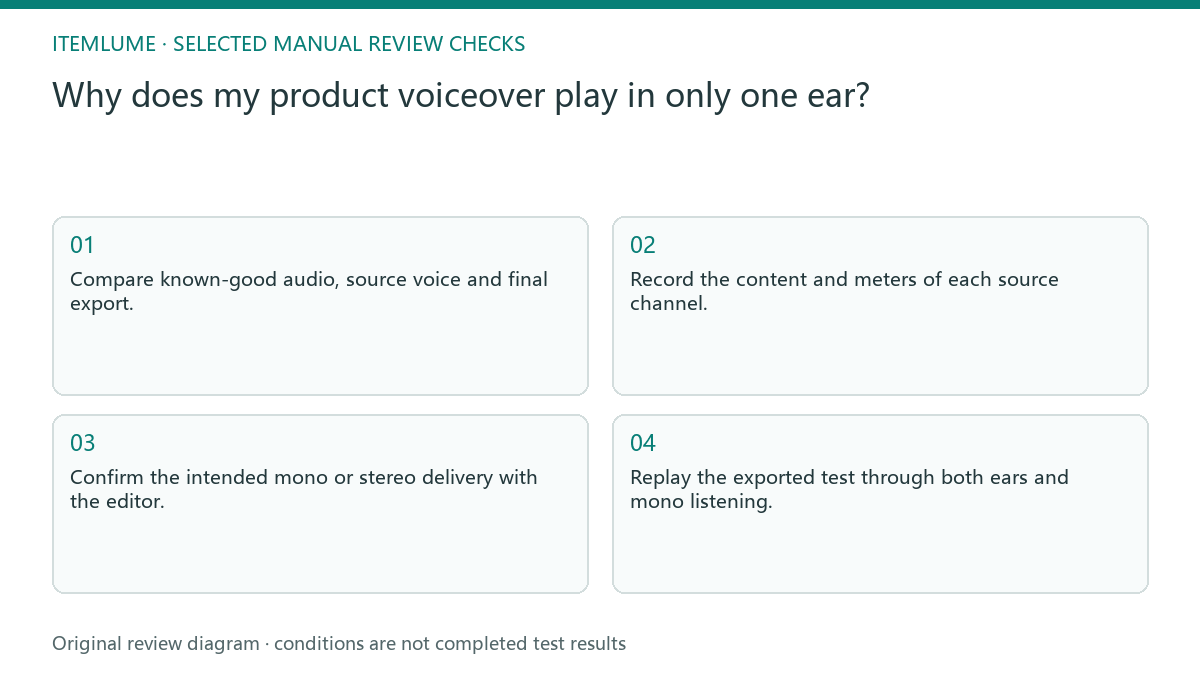
- Compare known-good audio, source voice and final export.
- Record the content and meters of each source channel.
- Confirm the intended mono or stereo delivery with the editor.
- Adjust interpretation and routing in a retained test copy.
- Replay the exported test through both ears and mono listening.
Fictional exercise: recorder speech on the left
This fictional exercise uses a recorder file with narration on the left and an unused right channel. The edit treats it as a stereo bed, so the voice stays left in the export. The scenario is invented and does not describe an Itemlume audio test.
The external editor isolates the speech source and routes it according to the agreed delivery. The reviewer checks both ears and mono compatibility rather than requesting a new script. If channel content or routing remains uncertain, the team holds the mix and asks the recording owner for clarification.
Close the audio and visual approvals separately
Check the final export, not only the timeline meters. Record the narration source, route, delivery file and listening outcome. Verify the spoken product name and timing separately: correct channel placement does not establish that the wording or claims are accurate.
Stop when the agreed channels reproduce the intended narration and the final file passes the separate voice-content review. Keep unexplained behavior on hold. Adding voiceover to Itemlume visuals is an external production task; the presence of a video-generation feature does not mean built-in recording, channel mixing or speaker testing.
One-ear voice diagnosis
| Observation | Manual check | Stop or approve |
|---|---|---|
| All files one-sided | Try known-good reference | Inspect listening setup |
| Source left only | Inspect channel contents | Choose speech source |
| Source correct, export wrong | Check routing and pan | Repair external edit |
| Both ears corrected | Replay actual final export | Separate content approval |
Use this matrix as a manual review record and add your own real evidence. Its conditions are not completed test results.
Sources and further reading
Sources for this page were checked on . Platform rules can change; verify the current source before publishing. Prompt examples and workflow recommendations are Itemlume editorial guidance, not independently measured results.
Frequently asked questions
Do I need a new narration script?
A channel failure is an audio-routing question; change the script only for a separate content problem.
Should I simply duplicate both channels?
Inspect their contents and intended delivery before combining or copying them.
Does Itemlume mix the voice?
This guide uses external audio editing; the current TVC output is silent.
BUILD FROM A PRODUCT YOU KNOW
Put this workflow into practice with your own product.
Explore the relevant tool first. AI copy and concept planning are free after sign-in. Image and video generation require available credits and the applicable account access.
Open Product videos Check pricing and credits