 Itemlume
CONSISTENT AI MODEL REFERENCES
Reuse one model reference across a product collection.
Describe one fictional adult model and review the generated full-body front image, or upload an adult image you are authorized to use. Save the model in your private library and choose it for a product image or as a male or female lead when planning a TVC.
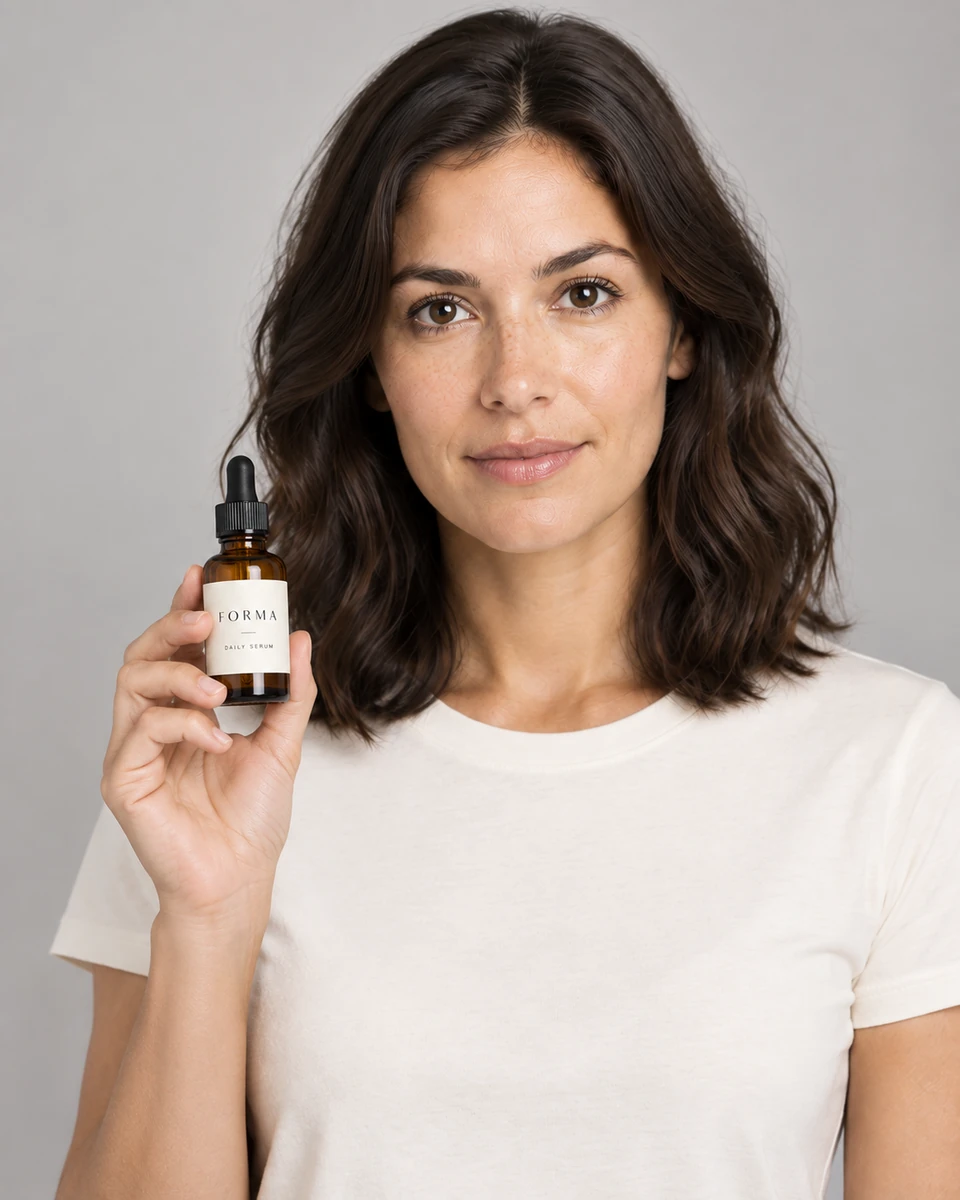
The current model-reference workflow
- Create or upload an adult reference.Describe a fictional adult, or upload an image you have permission to use. An uploaded front photo is not automatically expanded into missing views.
- Review the front image and save the model.Check face, hair, outfit and body proportions. Saving is separate from generation; an unselected result does not become the default automatically.
- Select a model for the next creation.Reuse the saved identity source alongside a product reference. For TVC planning, choose the male or female lead and confirm the product and creative direction.
- Inspect the generated composition.Compare identity cues, anatomy, product geometry, labels, scale, occlusion and contact between hands and product.
Private reference management
Up to 40 references
Each account can store up to 40 model references with a combined 100 MB limit.
PNG, JPEG, or WebP
Each model reference can be up to 15 MB and remains scoped to the signed-in account.
Choose, change, or skip
Set a default model for reuse, choose a different reference per creation, or generate without one.
Saved reference snapshot
Generation history keeps the reference snapshot used for review, even if the library item changes later.
How video uses the model result
In the TVC workbench, product and selected adult model references first guide the nine-shot plan and four storyboard grids. Review every panel for the person, clothing and product before choosing one grid.
Each video shot uses one reviewed scene frame that already contains the intended composition. The current MiniMax H3 integration does not receive separate model identity sheets and product images as direct multi-identity video inputs.
The tested model-reference example remains an earlier portrait-based test. It is retained as that documented example, not proof of repeatable identity in the current workflow.
Frequently asked questions
Is this a custom model trained on a person?
No. Itemlume reuses a saved image reference to guide generation. It does not describe this workflow as training a dedicated identity model.
Can I upload any person’s photo?
Only upload an adult model image that you have the right and permission to use. You can also create a fictional adult model and review its front image before saving it. Uploaded and older references retain their existing format.
Does one reference guarantee the same face in every image?
No. Identity, anatomy, pose, clothing, and product details can vary. Review every result instead of treating the reference as an identity lock.
Can I send the model and product as separate references to video generation?
Separate product and model references can guide TVC planning and storyboard images. Video generation then uses one approved scene frame per shot; the current H3 request does not submit independent identity sheets as direct video references.
BUILD FROM A PRODUCT YOU KNOW
Put this workflow into practice with your own product.
Explore the relevant tool first. AI copy and concept planning are free after sign-in. Image and video generation require available credits and the applicable account access.
Explore the workspace Check pricing and credits