 Itemlume
PRACTICAL REVIEW GUIDE · SEPTEMBER 12, 2026
Review the product before you approve the scene.
A generated image can look polished at thumbnail size while changing the product in ways that matter. Review against the source at full size, separate exact copy from generated pixels, and record why a variant was accepted or rejected.
The eight-point product check
- Silhouette and proportionsCompare height, width, curves, openings, handles, caps, pumps, and package seams.
- Logo and labelRead every visible word and inspect letterforms, symbol placement, line breaks, and small-print texture.
- Color and materialCheck brand color, transparency, metal finish, surface texture, highlights, and reflections.
- Count and accessoriesConfirm the number of products, lids, applicators, cables, inserts, and bundle components.
- Edges and contactZoom into outlines, shadows, fingers, shelves, liquid boundaries, and points where objects meet.
- Scale and perspectiveReject implausible size relationships or camera geometry that changes what the product appears to be.
- People and identityWhen a model is present, review the face, hair, anatomy, hands, clothing continuity, pose, and product occlusion.
- Claims and typographyKeep exact prices, dates, ingredients, discounts, and regulated claims in an editable layout layer and verify them separately.
Use the source and reference side by side
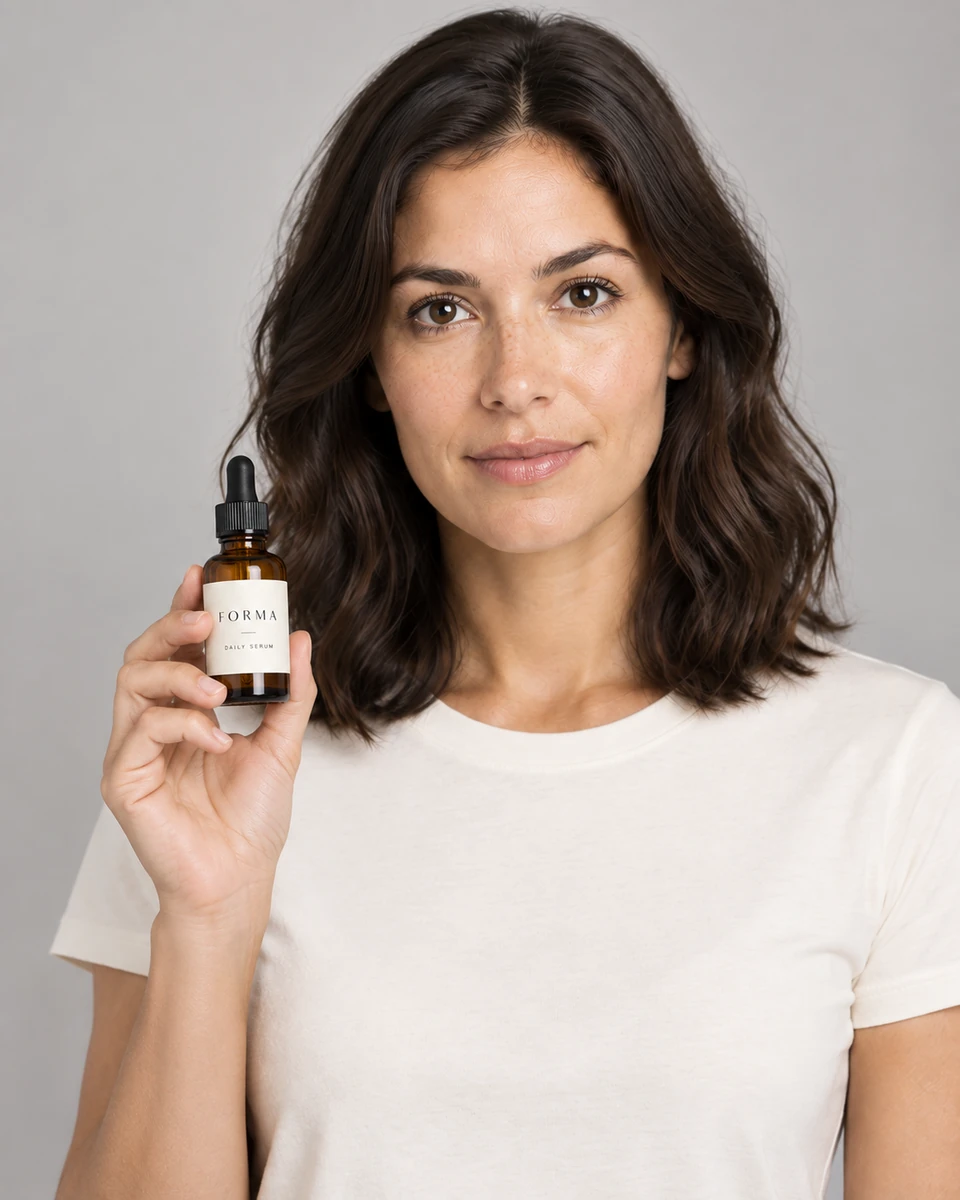
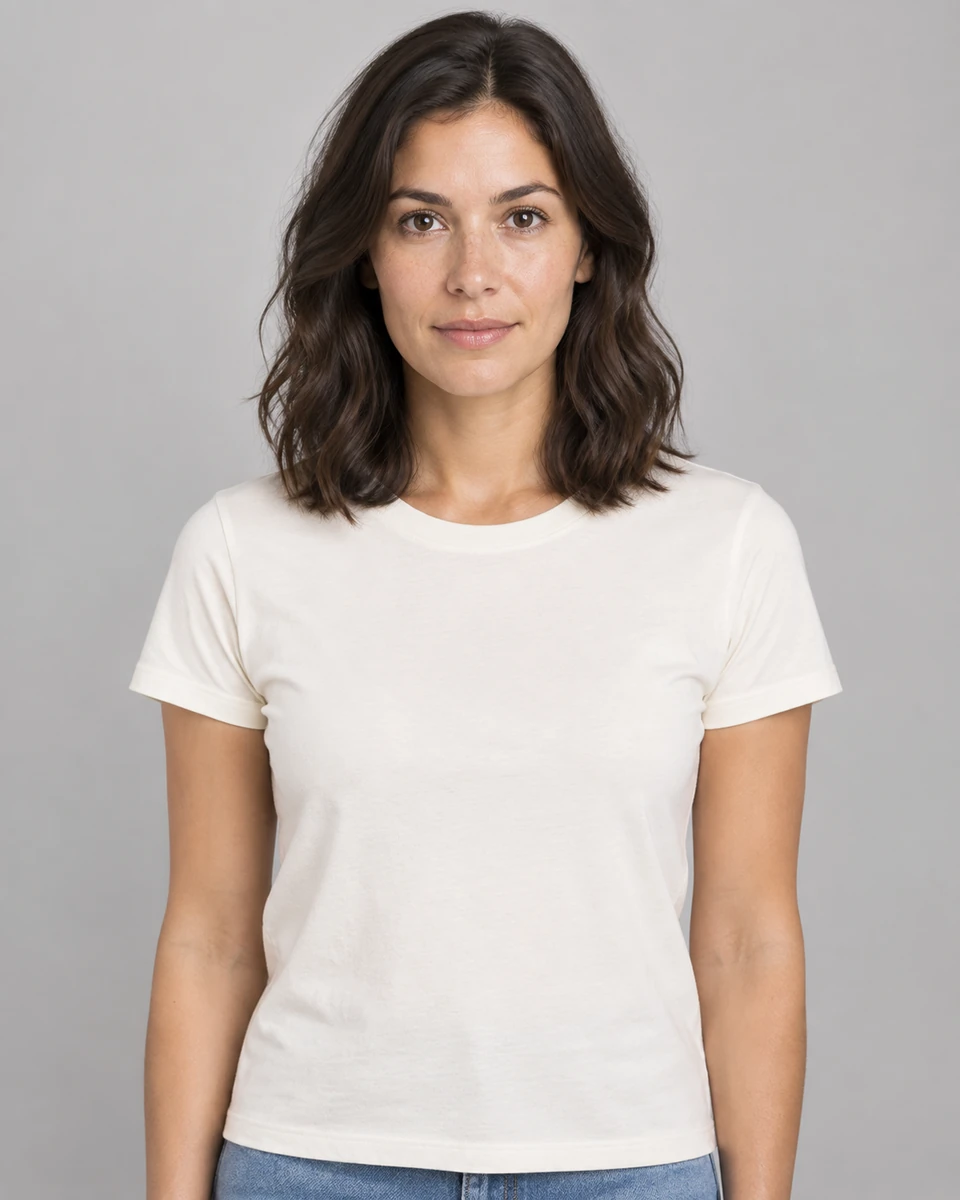
This pair comes from one completed workflow test. It is shown as review material, not as evidence of repeatability across a batch.
A simple acceptance record
For each variant, record the source ID, prompt or template, ratio, model reference if used, accepted or rejected status, and a short reason. Keep all variants during an evaluation so the result is not biased toward a single selected image.
| Decision | Use when | Next action |
|---|---|---|
| Accept | Product and people pass the checklist at delivery size. | Add exact copy and complete channel-specific review. |
| Repair locally | The visual is sound and the issue is limited to editable layout or copy. | Correct it without another generation. |
| Regenerate | Geometry, identity, material, count, or label pixels are materially wrong. | Revise the reference or prompt and create a new variant. |
| Do not use | The issue cannot be reliably corrected or creates a misleading claim. | Keep the rejection reason for the evaluation record. |
Frequently asked questions
Does a valid PNG, JPEG, or WebP mean the product is accurate?
No. File validation only confirms a plausible supported image container and dimensions. Semantic product accuracy requires visual review.
Should I review only the selected image?
During an evaluation, keep and assess every generated variant. Reviewing only the best result hides the actual retry and rejection rate.
Where should exact prices and claims be added?
Use an editable text layer after the image is approved, then verify spelling, amount, currency, dates, and any required disclosure.
What needs extra attention when a model holds the product?
Review fingers, anatomy, grip, product occlusion, product scale, face and hair continuity, clothing, and the contact shadow between hand and object.
BUILD FROM A PRODUCT YOU KNOW
Put this workflow into practice with your own product.
Explore the relevant tool first. AI copy and concept planning are free after sign-in. Image and video generation require available credits and the applicable account access.
Open Product images Check pricing and credits