 Itemlume
Product videos / PRACTICAL ANSWER
Why should I review the cropped scene after approving the storyboard sheet?
Approving a design sheet does not approve every extracted frame. Inspect the actual frame that each clip will use.
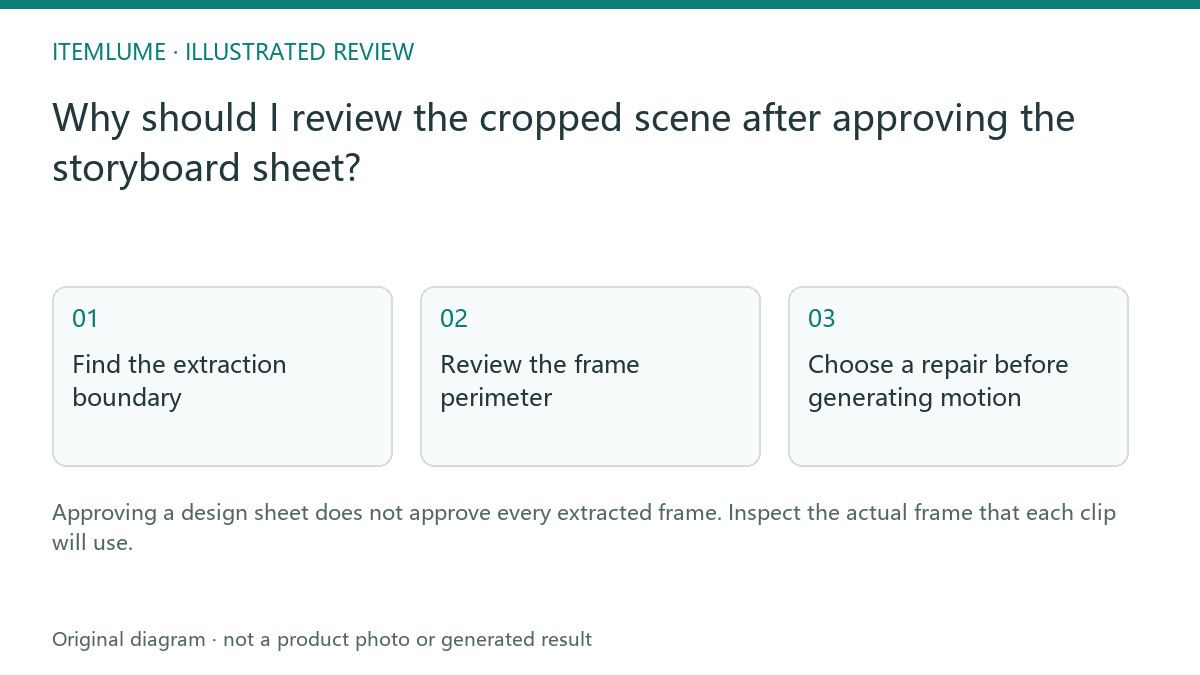
Find the extraction boundary
A fictional headset sheet looks correct at overview size, but the third cell places an ear cup close to its right border. The extracted frame removes a small portion of the cup and includes a pale strip from the gutter. The script is unchanged; the visible video input is not. This is an extraction and composition question rather than a product-generation error.
Compare the selected cell and isolated frame at equal visible size. Look for complete silhouette, meaningful contact points and unwanted borders. Do not use a tiny film thumbnail as the only approval surface. A cropped reference may appear convincing until motion exposes the missing edge.
Review the frame perimeter
| Area | Possible defect | Review action |
|---|---|---|
| Outer boundary | Gutter or neighboring scene | Reject the contaminated input |
| Product edge | Ear cup or strap cut off | Compare complete silhouette |
| Text area | Shot label inside image | Remove review markings |
| Contact area | Stand or hand partly removed | Confirm physical scene still makes sense |
Use a frame checklist rather than requiring an identical crop across unrelated scenes. A macro shot may intentionally exclude part of the product, but its description must make that intentional view clear. Accidental truncation and a deliberate detail crop are different decisions.
Choose a repair before generating motion
If the original cell has enough safe margin, prepare a clean scene extraction. If it already cuts off a necessary component, create a better design sheet or independent frame. Do not stretch a cropped image to invent the missing edge. Increasing resolution enlarges the defect; it does not restore unseen geometry.
For the headset, preserve the selected product color and side before regenerating a scene. A corrected crop that switches to another headset variant solves the border problem while introducing an identity problem.
Record the approved input
Save the shot number and isolated frame approval beside the script. The current TVC workflow provides a panel-review stage before video approval; use that stage to inspect what will be submitted. This article describes the review, not an arbitrary manual crop editor inside Itemlume. Check the resulting clip for border persistence as a final confirmation.
Sources and further reading
Sources for this page were checked on . Platform rules can change; verify the current source before publishing. Prompt examples and workflow recommendations are Itemlume editorial guidance, not independently measured results.
Frequently asked questions
Is sheet approval sufficient?
No. Inspect the actual isolated video input.
Can higher resolution fix a clipped product?
It cannot recover geometry absent from the approved image.
Does every shot need the whole product?
No. Intentional detail shots should match their script and product evidence.
BUILD FROM A PRODUCT YOU KNOW
Put this workflow into practice with your own product.
Explore the relevant tool first. AI copy and concept planning are free after sign-in. Image and video generation require available credits and the applicable account access.
Open Product videos Check pricing and credits