 Itemlume
DIAGNOSTIC GUIDE / Product videos
Does exporting my ad in 4K recover detail lost when Canva imported the video?
A larger export canvas does not recreate source detail lost earlier in the pipeline. Inspect what the editor actually retained after upload, then compare that stored or processed media with the final export. Keep the original source as the detail reference. Check the label strokes that matter to the buyer, not only output dimensions.
An export label does not reveal source detail
Original dimensions, the editor’s media representation and final export dimensions are three different records. An advertised 4K export option describes the destination canvas, not a promise that every uploaded clip retains its original detail. Current importer requirements must be checked for the actual editor and file.
Follow the actual file through original upload, editor preview and final export. A large export dimension can contain an enlarged softer intermediate. File size alone cannot reveal whether the tiny product lettering or texture survived the upload and editing stages.
Inspect the uploaded media before exporting
Choose a short section containing stable lettering or a visible texture. Compare the untouched source, the editor’s usable representation and a test export at matched display size. Note any documented upload conversion and the export settings. If detail was lost at import, try an accepted source route before increasing only the output dimensions.
Consult the current Canva documentation and account controls for the actual upload and export route. Do not assume a capacity or resolution limit from a different plan or an old tutorial. Compare equal-scale detail crops from the original and output.
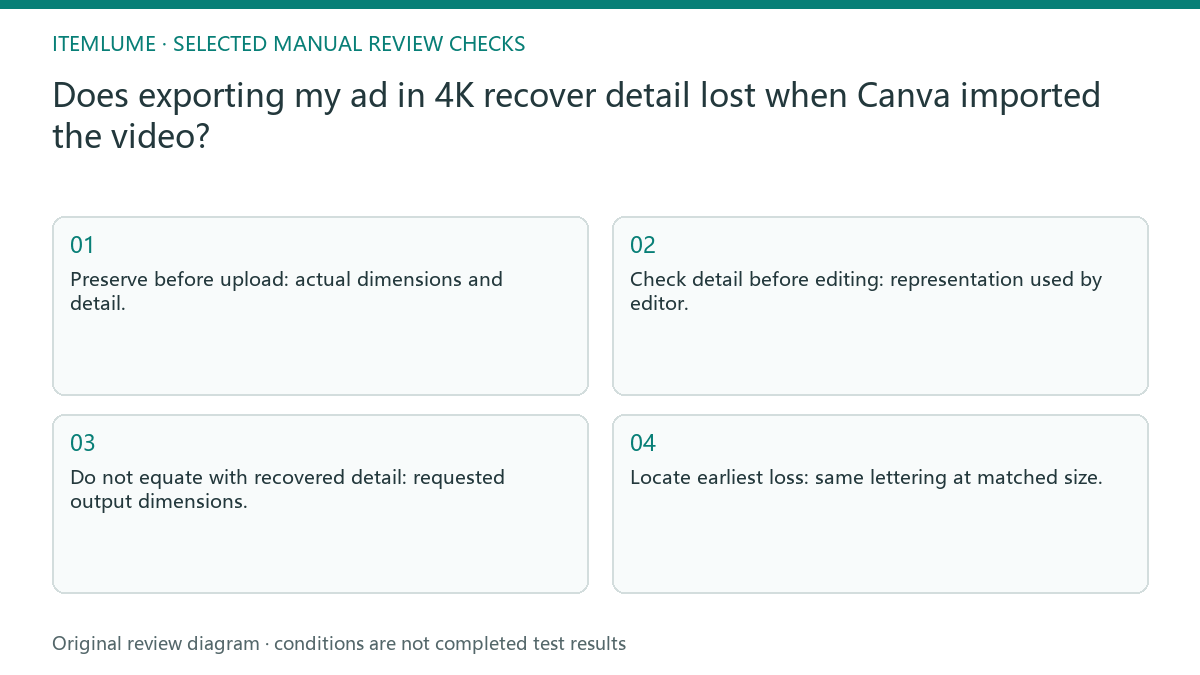
- Preserve before upload: actual dimensions and detail.
- Check detail before editing: representation used by editor.
- Do not equate with recovered detail: requested output dimensions.
- Locate earliest loss: same lettering at matched size.
Compare a label crop across the delivery chain
Fictional exercise: a watch-label clip is sharp in the original, softer inside a design editor, and exported on a larger canvas. The larger file still cannot make the tiny letters trustworthy. The team locates the first soft stage and chooses an accepted finishing path rather than advertising the export as newly recovered product detail.
In the fictional demonstration, a fine label is legible in the original but soft in the delivered video. The operator keeps the original and checks where detail first declines. Repeating a larger export without changing the soft intermediate cannot reconstruct missing lettering.
Keep the detail-bearing original available
Stop when readable product evidence disappears in the retained media. Preserve the source and change the delivery workflow; upscaling alone cannot verify invented lettering.
Choose the delivery workflow based on the detail it retains, not the badge beside the export button. Final buyer-facing playback still needs an independent check. The external editor determines its import and export handling. Itemlume does not control Canva’s processing or turn a native lower-resolution clip into genuine captured 4K evidence.
Original source to visible comparison: decision worksheet
| Check | Evidence to record | Review action |
|---|---|---|
| Original source | Actual dimensions and detail | Preserve before upload |
| Imported media | Representation used by editor | Check detail before editing |
| Export canvas | Requested output dimensions | Do not equate with recovered detail |
| Visible comparison | Same lettering at matched size | Locate earliest loss |
Use this matrix as a manual review record and add your own real evidence. Its conditions are not completed test results.
Sources and further reading
Sources for this page were checked on . Platform rules can change; verify the current source before publishing. Prompt examples and workflow recommendations are Itemlume editorial guidance, not independently measured results.
Frequently asked questions
Does a 4K export restore lost detail?
No. A larger output can enlarge an already soft intermediate; compare the original fine detail.
Should I quote a universal Canva upload limit?
No. Verify the current documented route and your actual account before relying on a limit.
Where does Itemlume’s responsibility end?
Generation supplies a reviewed candidate; Canva upload and final export are external editing actions.
BUILD FROM A PRODUCT YOU KNOW
Put this workflow into practice with your own product.
Explore the relevant tool first. AI copy and concept planning are free after sign-in. Image and video generation require available credits and the applicable account access.
Open Product videos Check pricing and credits