 Itemlume
Product videos / PRACTICAL ANSWER
Does a 4K storyboard mean my TVC will be a 4K video?
No. The storyboard image resolution does not set the video model’s native resolution or the assembled film’s delivery dimensions.
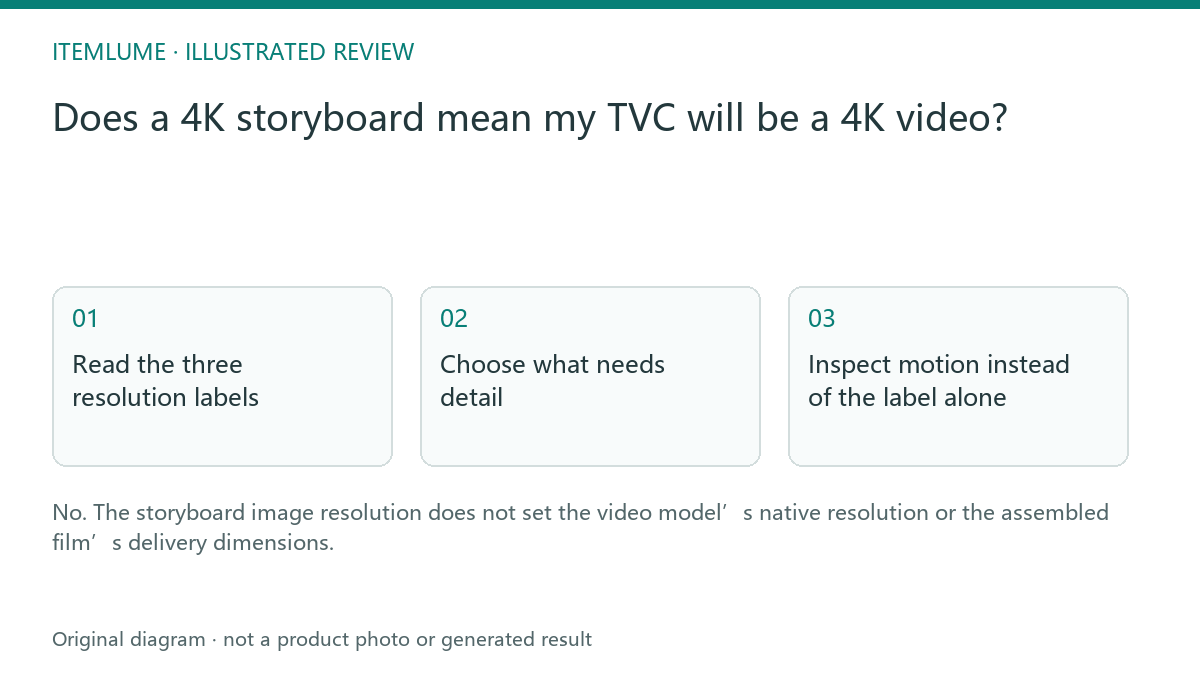
Read the three resolution labels
A fictional fragrance campaign uses a high-resolution design sheet because the reviewer needs to inspect the cap and label. Its video adapter generates native footage at a different supported size, and the current TVC assembler delivers a 720p film. The high-resolution sheet improves the planning input; it does not establish a native 4K moving image.
Write image size, source-video size and delivered-film size in separate columns. A visible “4K” next to image generation should not be copied into the film delivery brief. The current Itemlume video feature page states its delivery boundary; model availability and supported settings should also be checked in the authenticated workflow.
Choose what needs detail
| Asset | Reason for resolution choice | Verification |
|---|---|---|
| Storyboard sheet | Inspect small product details | Open the complete image |
| Native clip | Supported provider output | Inspect actual source dimensions |
| Final TVC | Publishing destination | Inspect exported film dimensions |
For a web ad, review the final film at its intended display size. For a supplier presentation requiring a larger moving image, confirm the video workflow supports that requirement before paying. A larger image input and an upscaled output are not equivalent to native detail in each moving frame.
Inspect motion instead of the label alone
Watch fine lettering over time. A sharp first frame may become unreadable during movement even if the file dimensions are correct. Compare source and assembled frames from the same shot. That comparison separates a video-generation defect from a compression or delivery problem without assuming either one is responsible.
Do not promise that changing an image quality selector will fix video label flicker. Resolve the actual moving-image defect and use external editing or real footage when essential lettering cannot remain faithful.
Write an honest delivery specification
For the fictional campaign, approve “720p assembled film from reviewed source clips; no native 4K video claim.” Keep the high-resolution storyboard as a separate approval document. If future models add other resolutions, use their current verified settings. This guide describes the present workflow boundary, not a promise that every provider will always deliver the same size.
Sources and further reading
Sources for this page were checked on . Platform rules can change; verify the current source before publishing. Prompt examples and workflow recommendations are Itemlume editorial guidance, not independently measured results.
Frequently asked questions
Can I call the film 4K because the sheet is 4K?
No. Verify the actual moving-image dimensions.
Is upscaling the same as native generation?
No. It enlarges an existing result and needs its own quality review.
Where should I check final output?
Inspect the completed film metadata and view it at the intended display size.
BUILD FROM A PRODUCT YOU KNOW
Put this workflow into practice with your own product.
Explore the relevant tool first. AI copy and concept planning are free after sign-in. Image and video generation require available credits and the applicable account access.
Open Product videos Check pricing and credits