 Itemlume
Product images / PRACTICAL ANSWER
Is my product really tapered, or did the camera distort the reference?
Compare the physical item and another controlled photograph before deciding whether a curved or tapered edge is a product feature.
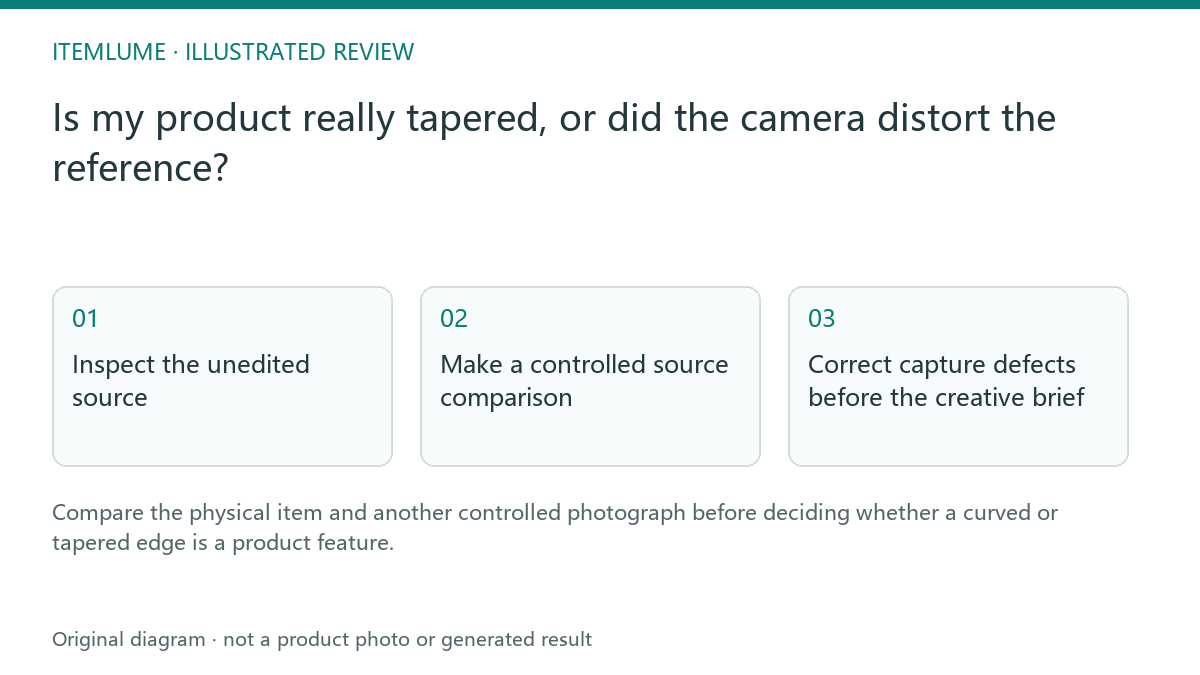
Inspect the unedited source
A fictional seller photographs a rectangular storage box close to a phone camera. The near edge looks much wider than the far edge, and straight surroundings also appear curved. Asking AI to preserve that silhouette may retain camera distortion; asking it to straighten everything may erase a real bevel. Start with the physical item and the original file rather than the generated candidate.
Adobe distinguishes lens distortion and perspective correction tools. That distinction provides diagnostic vocabulary. It does not tell you which geometry belongs to this particular merchandise.
Make a controlled source comparison
| Observation | Possible explanation | Evidence to gather |
|---|---|---|
| Near face much larger | Perspective from viewpoint | Another suitable camera distance |
| Straight surroundings curve | Lens distortion | Unedited frame and camera information |
| Same taper in multiple views | Actual product form | Physical measurement and side photograph |
Keep the product revision and orientation constant. A second picture of a different box does not resolve the geometry of the first. Do not use a generated side view as the sole independent confirmation.
Correct capture defects before the creative brief
If the source is unsuitable, take a clearer photograph or have a qualified editor perform restrained correction against the real item. Save both files and record the change. Avoid blindly applying a dramatic perspective transform until the label looks rectangular; that can distort the body and lid differently.
The brief should state the verified form and which camera effect was corrected. Itemlume has no dedicated lens-calibration workflow, so this preparation happens in photography or external editing.
Approve the generated geometry
Compare the new image with the corrected source and physical evidence. Check lid fit, edge directions and the relationship of near and far faces. A neat rectangle is not a pass if the sold box genuinely tapers. Record the accepted geometry so later scene variations do not repeatedly reinterpret the same capture defect as a design feature.
Sources and further reading
Sources for this page were checked on . Platform rules can change; verify the current source before publishing. Prompt examples and workflow recommendations are Itemlume editorial guidance, not independently measured results.
Frequently asked questions
Can straightening alter the merchandise?
Yes. Check any correction against real product geometry.
Is a generated alternate angle independent evidence?
No. Use actual photography or measurements.
Does Itemlume calibrate my lens?
No. Prepare an appropriate reference externally.
BUILD FROM A PRODUCT YOU KNOW
Put this workflow into practice with your own product.
Explore the relevant tool first. AI copy and concept planning are free after sign-in. Image and video generation require available credits and the applicable account access.
Open Product images Check pricing and credits