 Itemlume
PRACTICAL ANSWER / Packaging studio
Where should batch numbers and expiry dates go on packaging artwork?
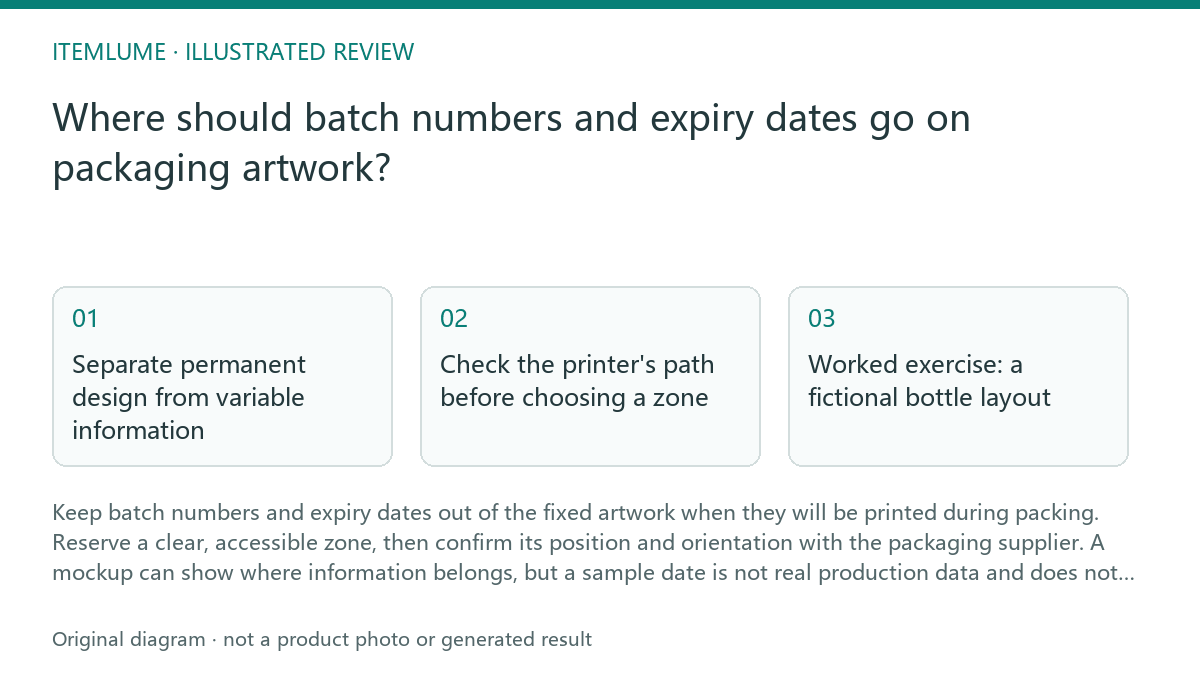
Keep batch numbers and expiry dates out of the fixed artwork when they will be printed during packing. Reserve a clear, accessible zone, then confirm its position and orientation with the packaging supplier. A mockup can show where information belongs, but a sample date is not real production data and does not prove that a printer can mark the final pack.
Separate permanent design from variable information
Treat product names, branding and approved fixed copy as artwork. Treat a batch code, manufacturing date or expiry date as variable information if it changes between production runs. Keep any example used to explain the layout visibly marked as a placeholder in the design file and in review notes.
Do not let a decorative date on a bottle mockup imply that a real batch has been made or that a product is safe until that date. The responsible product team must supply and verify actual information. A design review can check placement and readability; it cannot establish shelf life or validate a date.
Check the printer's path before choosing a zone
Ask the packaging supplier or production team how the pack travels through the marking station, which face is marked, and whether printing occurs before or after forming, filling or labeling. The operator needs to confirm the actual equipment and pack setup; a flat artwork view alone cannot establish the machine's print direction.
Reserve a plain area that is accessible to the print head and remains visible on the finished pack. Keep fixed text, seams, folds, curves, closures and decorative details out of the proposed zone unless the supplier confirms they are compatible. Do not assume that a blank patch on a screen mockup is printable.
- Mark each proposed variable-print zone on the artwork and identify the pack face.
- Ask the supplier to confirm the machine approach, print direction and position on the finished pack.
- Check the zone against seams, folds, label edges, curvature and nearby fixed text.
- Review a production-representative proof for legibility, placement and correct variable data before approval.
Worked exercise: a fictional bottle layout
Fictional exercise: a concept shows a small expiry date across the lower front of a bottle. The proposed position sits on a curved area near the label edge, and the date is presented as if it were actual product information. The designer should flag both the production risk and the misleading example rather than simply moving the date by eye.
Remove the date or label it clearly as a placeholder, then mark a candidate zone on a suitable pack face. Ask the supplier whether the printer can reach that zone and in which direction the code will read. Revise the layout after confirmation, and use supplier-approved variable data on the proof. If no production-representative proof is available, record the placement as unverified.
Approve the placement, not the production claim
A useful artwork handoff identifies the variable zone, intended pack face, placeholder status and open supplier questions. Keep a record of who confirmed the machine direction and which proof was reviewed. This makes design assumptions visible without pretending that a concept file is manufacturing approval.
Stop approval when the supplier has not confirmed access and orientation, when the proposed mark crosses a seam or unreadable curve, or when a sample date could be mistaken for real information. Resume only after the responsible team supplies the correct data and the relevant production check passes.
Variable-print zone review
| Observation | Next check | Pass condition |
|---|---|---|
| A sample expiry date appears in the bottle artwork. | Check the design file and review notes for a clear placeholder label. | No sample value can be mistaken for approved production data. |
| The proposed code sits near a label edge or on a curved bottle face. | Ask the supplier to confirm print-head access and inspect a production-representative proof. | The mark is reachable and legible in the confirmed position. |
| The code's reading direction is uncertain. | Confirm the pack's machine approach and print orientation with the production team. | The proof shows the intended code orientation on the finished pack. |
| A seam, fold or fixed text overlaps the reserved area. | Compare the proposed zone with the actual pack construction and supplier guidance. | The variable mark has a clear, accessible area without obscuring fixed information. |
Sources and further reading
Sources for this page were checked on . Platform rules can change; verify the current source before publishing. Prompt examples and workflow recommendations are Itemlume editorial guidance, not independently measured results.
Frequently asked questions
Can I put an expiry date in the artwork as an example?
Only if it is unmistakably marked as a placeholder and cannot be read as real production information. Remove it from production artwork or replace it with supplier-approved data at the appropriate proofing stage.
Can a flat mockup confirm print direction?
No. Ask the supplier or production team to confirm the machine approach and show the intended orientation on a representative proof.
Does a clear reserved zone guarantee a readable code?
No. The supplier must check the actual pack, printer access and proof. A clear area in a concept is a planning aid, not proof of print performance.
BUILD FROM A PRODUCT YOU KNOW
Put this workflow into practice with your own product.
Explore the relevant tool first. AI copy and concept planning are free after sign-in. Image and video generation require available credits and the applicable account access.
Open Packaging studio Check pricing and credits