 Itemlume
Logo studio / PRACTICAL ANSWER
Why can my logo look sharp on screen but fail at the planned print size?
Check actual pixels and the physical output size. A resolution label or a large screen preview cannot establish print detail.
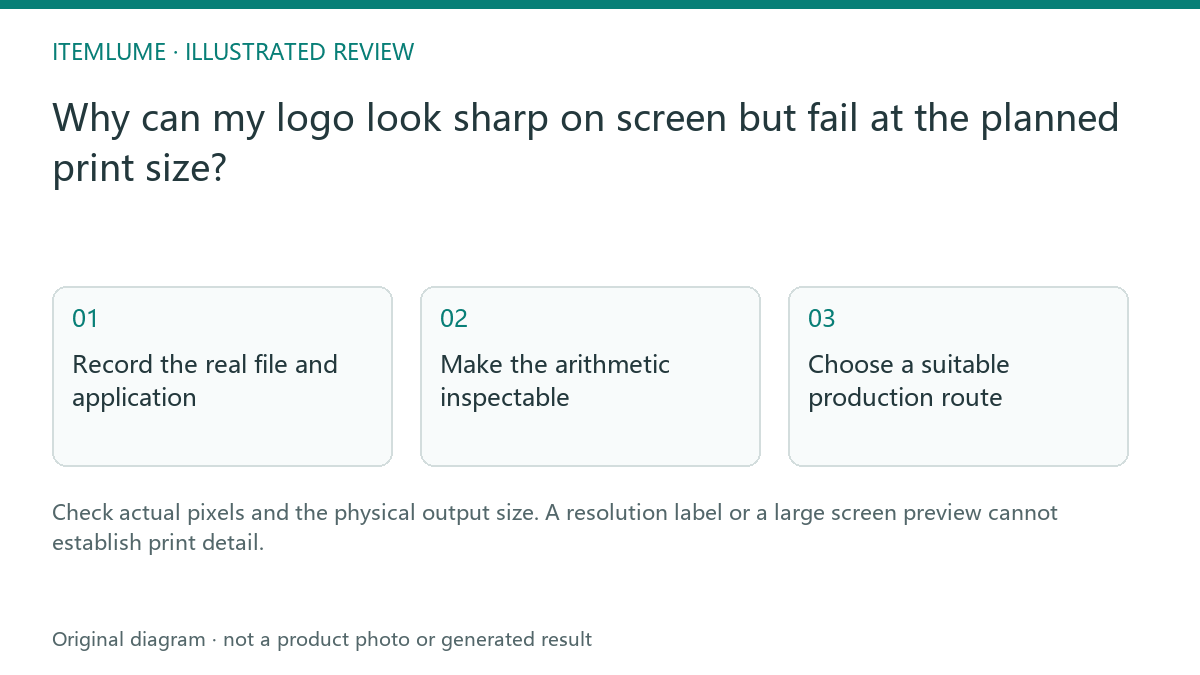
Record the real file and application
A fictional soap maker receives a 600-pixel-wide logo concept and wants a 20 cm sign. The concept looks crisp in a small browser card but must be enlarged substantially for the sign. Write the actual pixel width and intended physical width before asking the printer whether it is suitable. Do not use the preview card dimensions as the source file dimensions.
The issue differs from a blurry SVG containing a bitmap: here the approved deliverable is known to be raster. A higher embedded resolution label does not create additional captured or generated pixels.
Make the arithmetic inspectable
| Record | Illustrative value | Meaning |
|---|---|---|
| Pixel width | 600 pixels | Actual source detail budget |
| Print width | 20 cm, about 7.87 inches | Intended physical application |
| Effective density | About 76 pixels/inch | 600 divided by physical inches |
| Supplier requirement | To be confirmed | Depends on process and viewing conditions |
The example is arithmetic, not a universal printing threshold. Ask the chosen supplier for the actual application requirements. A small carton mark and a sign viewed from a distance need different review conditions.
Choose a suitable production route
A simple selected logo may need a controlled vector redraw with typography review. A detailed raster illustration may need a larger appropriate source and a physical proof. Do not rename a PNG to SVG or repeatedly resample it and call it a vector master. Preserve the selected identity while the production designer prepares the agreed format.
If the application changes, repeat the size check. The original small-label approval does not automatically extend to a wall sign.
Approve the real proof
Inspect a representative proof at the intended size and viewing distance. Check edges, lettering and recognizable gaps rather than the file extension alone. Itemlume supplies generated concept imagery and small-size review assistance; production suitability remains a separate designer/supplier decision. Save the proof and source version together.
Sources and further reading
Sources for this page were checked on . Platform rules can change; verify the current source before publishing. Prompt examples and workflow recommendations are Itemlume editorial guidance, not independently measured results.
Frequently asked questions
Does changing the DPI label add pixels?
No. Inspect actual pixel dimensions and intended physical size.
Is 76 pixels/inch a universal pass or fail?
No. It is this example’s arithmetic; confirm the supplier requirements.
Should a vector redraw retain the approved design?
Yes. Review shape and typography against the selected concept.
BUILD FROM A PRODUCT YOU KNOW
Put this workflow into practice with your own product.
Explore the relevant tool first. AI copy and concept planning are free after sign-in. Image and video generation require available credits and the applicable account access.
Open Logo studio Check pricing and credits