 Itemlume
Assets & tasks / PRACTICAL ANSWER
What should I recheck when a model update changes my usual product-image results?
Replay a controlled reference suite and record changed conditions. Do not rewrite the entire prompt library from one surprising output.
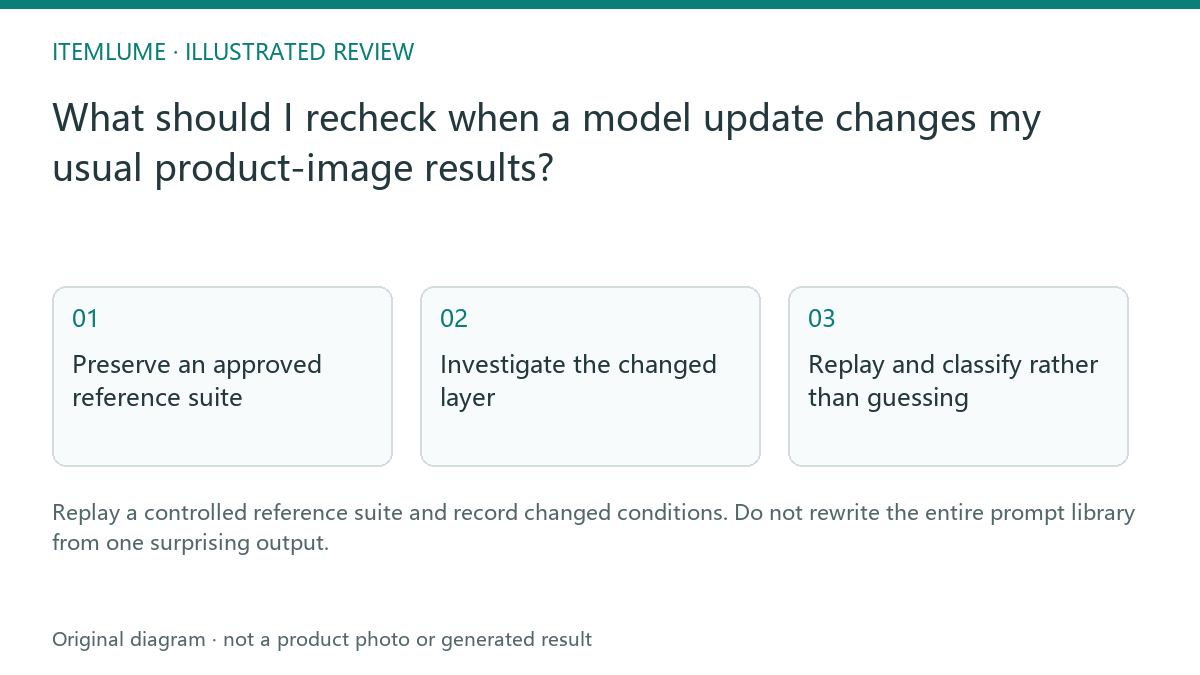
Preserve an approved reference suite
A fictional seller keeps three owned products with approved source files, factual briefs and examples of acceptable output. After a provider update, the bottle label starts drifting. The preserved suite provides a specific comparison point. It does not guarantee that a stochastic generator will reproduce the exact same pixels.
Record model identifier, tool version when available, selected quality and source hashes in an internal record. Do not include credentials in the suite or publish private customer references.
Investigate the changed layer
| Layer | Question | Evidence |
|---|---|---|
| Input | Did source or crop change? | Actual file comparison |
| Prompt | Did the stored brief change? | Approved text version |
| Model/configuration | Did selected routing/settings change? | Current supported configuration |
| Delivery | Was output resized or recompressed? | Downloaded file comparison |
A changed display thumbnail may conceal a delivery defect rather than a model regression. Compare the actual downloaded result before attributing the problem. Keep the investigation focused on observed conditions.
Replay and classify rather than guessing
Run an appropriately bounded pilot with the same approved tasks if generation is authorized. Record attempts, failures and factual defects. One different image is normal evidence of a different result, not proof of a systemic change. If the label consistently fails in your local sample, state that sample and its limits.
Try a narrowly justified prompt or source adjustment and record it as a new version. Avoid changing product facts merely to obtain a prettier result.
Update only the affected guidance
If a new setting improves the relevant task, approve it for that scope and preserve the earlier version. Broader catalog rollout needs its own review. Itemlume can use configured models, but it cannot promise provider behavior remains fixed indefinitely. The suite is a reproducible decision record, not an automatic monitoring service or a guarantee of pixel-identical regeneration.
Sources and further reading
Sources for this page were checked on . Platform rules can change; verify the current source before publishing. Prompt examples and workflow recommendations are Itemlume editorial guidance, not independently measured results.
Frequently asked questions
Should my replay match every pixel?
No. Evaluate the defined product and task invariants.
Does one changed output prove a regression?
No. Investigate conditions and a bounded sample.
Is this automatic provider monitoring?
No. It is a manual review workflow.
BUILD FROM A PRODUCT YOU KNOW
Put this workflow into practice with your own product.
Explore the relevant tool first. AI copy and concept planning are free after sign-in. Image and video generation require available credits and the applicable account access.
Open Assets & tasks Check pricing and credits