 Itemlume
DIAGNOSTIC GUIDE / A+ product pages
Why does the same USB-C connector not prove every charger will work?
A connector photograph establishes a visible shape, not every power requirement or approved charger combination. Write compatibility from the product owner’s current specifications and documented scope. Separate the connector name from the required supply conditions and any qualified combination. Do not let AI turn “USB-C port” into “works with any USB-C charger,” or ask customers to experiment with unapproved power sources.
Keep connector and supply facts in separate fields
Record the exact product and owner-approved input information. Add the connector type as a separate field, not a summary of electrical compatibility. Keep the source document revision so a similar-looking new model cannot inherit another device’s conditions.
Ask the responsible product specialist which combinations are actually approved and what wording may be used. An unknown combination stays unknown. A cable photo or a successful fit cannot replace the manufacturer’s power documentation, and this guide does not establish technical requirements for a real device.
Draft the narrow confirmed compatibility statement
Use only the combinations or conditions the owner approves. If the evidence is a list of specific supplies, do not broaden it to every charger with the same plug. If the record describes a condition rather than a brand list, preserve that condition accurately.
Review headlines, icons and package artwork for a universal impression. “Any” and a row of assorted charger pictures can broaden the promise even when the detailed text is narrower. Remove unsupported universality instead of adding a vague disclaimer underneath.
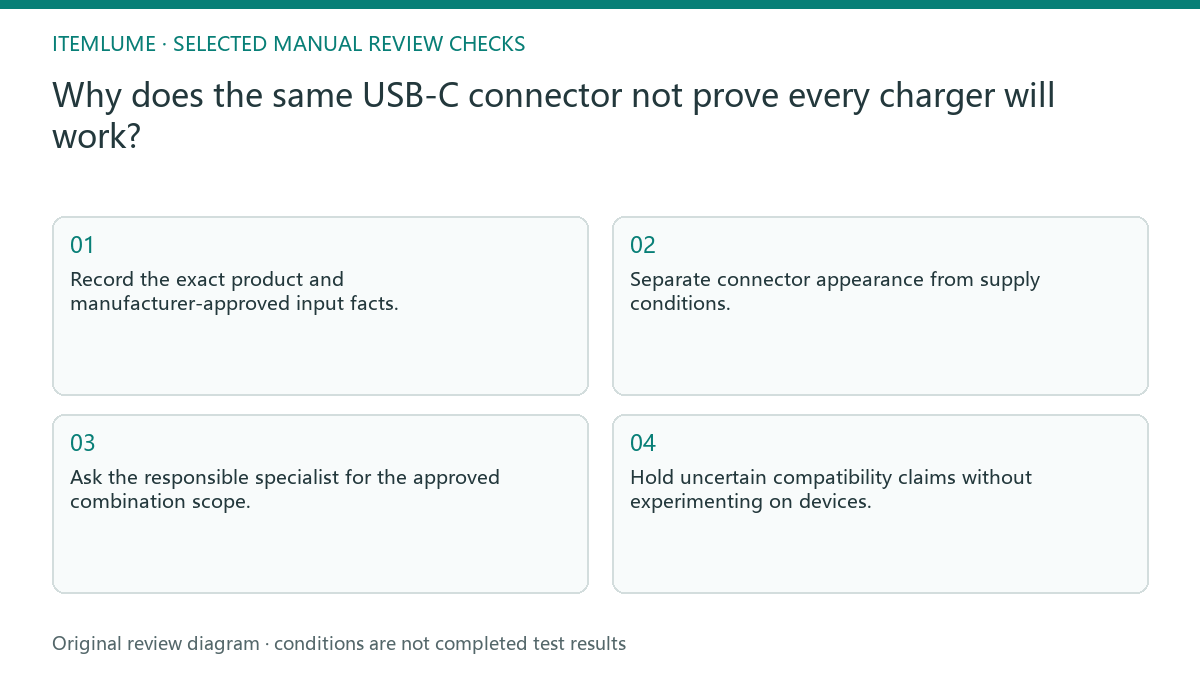
- Record the exact product and manufacturer-approved input facts.
- Separate connector appearance from supply conditions.
- Ask the responsible specialist for the approved combination scope.
- Remove universal wording unsupported by that record.
- Hold uncertain compatibility claims without experimenting on devices.
Fictional exercise: a photograph becomes an “any charger” claim
This fictional exercise uses a device record naming only an approved supply arrangement. The picture shows a USB-C-shaped connection, and a draft says it accepts any matching charger. The scenario does not identify a real device, power specification or safe testing procedure.
The reviewer removes “any” and returns to the approved record. They ask the product specialist to resolve missing conditions rather than plugging in extra chargers. The stopping rule is a traceable compatibility scope, not the number of chargers shown in the creative.
Maintain the specification-to-copy connection
Keep the approved scope, source revision and final statement with the asset. Recheck if hardware, included cable or supplier changes. A visible connector may remain unchanged while the approved offer information changes, so image similarity cannot preserve the previous approval automatically.
Stop when the copy and artwork communicate only documented conditions. This is editorial scope control, not electrical testing or safety advice. Itemlume generates creative drafts; it does not certify chargers, execute hardware tests or synchronize product engineering specifications.
Connector versus power evidence
| Observation | Manual check | Stop or approve |
|---|---|---|
| Visible connector | Identify shape only | No universal compatibility |
| Approved input record | Trace exact product | Use confirmed conditions |
| Unknown supply | Ask product specialist | No trial-and-error |
| Universal charger icon | Review implied scope | Remove unsupported promise |
Use this matrix as a manual review record and add your own real evidence. Its conditions are not completed test results.
Sources and further reading
Sources for this page were checked on . Platform rules can change; verify the current source before publishing. Prompt examples and workflow recommendations are Itemlume editorial guidance, not independently measured results.
Frequently asked questions
Does a matching plug prove compatibility?
No. Use the actual manufacturer-approved requirements and scope.
Should I test every charger myself?
This guide proposes no device experiments; refer unknown combinations to the responsible specialist.
Can AI read hidden power requirements from a photo?
A photo cannot establish absent specifications; supply the approved product record.
BUILD FROM A PRODUCT YOU KNOW
Put this workflow into practice with your own product.
Explore the relevant tool first. AI copy and concept planning are free after sign-in. Image and video generation require available credits and the applicable account access.
Open A+ product pages Check pricing and credits