 Itemlume
Assets & tasks / PRACTICAL ANSWER
Will a shared product link reopen the color and size shown in my ad?
Check the actual destination with no saved selection. A correct ad can still open the default variant if the link does not preserve the intended option.
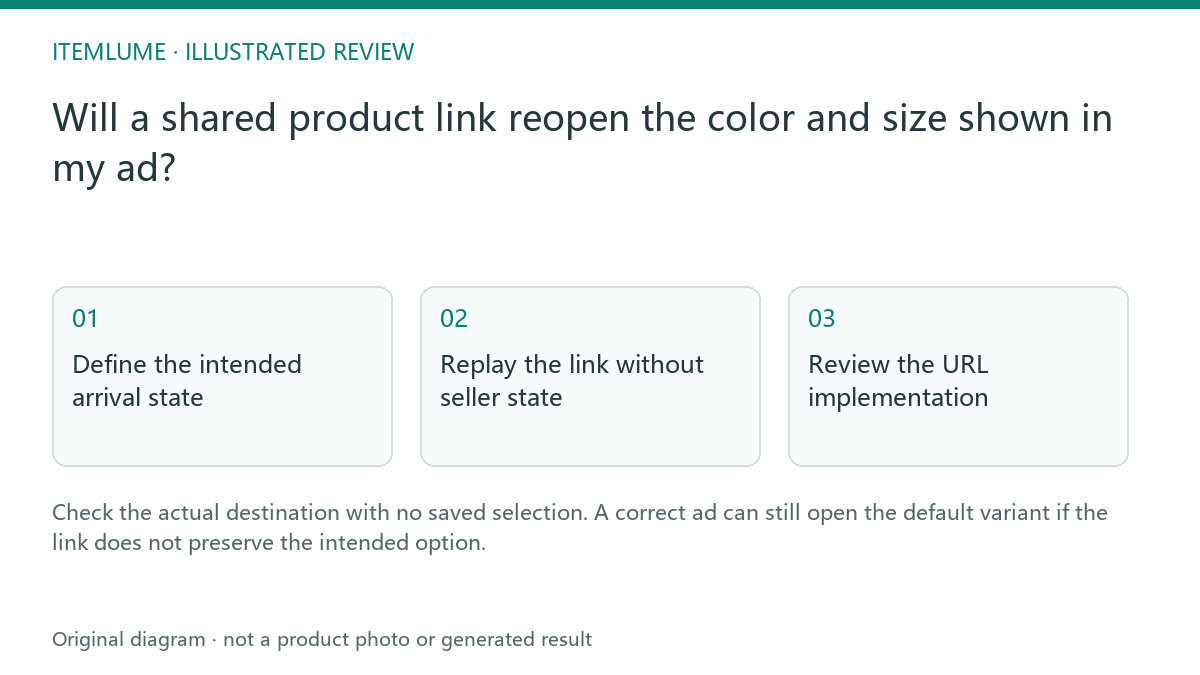
Define the intended arrival state
A fictional coat ad shows the green medium option. The seller copies the generic coat URL while their browser already has green selected. A new shopper opens it and sees black small. The creative may be accurate, but the arrival state is wrong. Write the expected color, size, image and offer before choosing the destination link.
Google’s variant examples describe single-page and multi-page URL approaches. Use your store’s supported strategy rather than inventing parameters that only look plausible.
Replay the link without seller state
| Check | Expected state | Failure signal |
|---|---|---|
| Initial page | Green medium selected | Default black small |
| Hero image | Approved green coat | Another variant image |
| Offer | Correct intended variant | Unrelated price/availability |
| Selection controls | Readable chosen option | No indication of selection |
Open the actual shared URL in a fresh anonymous context and allow the page to finish updating. Then verify it on a phone. Do not use a screenshot from the seller’s existing session as proof that every visitor will receive the same state.
Review the URL implementation
If the store supports variant-specific links, use the documented link and confirm it survives redirects. Ask the developer to review canonical and structured-data relationships for that URL strategy. A marketing team should not apply a blanket canonical rule without understanding whether the product family and selected variants are separate documents.
Keep the campaign URL and approved asset in the creative record. An ad image’s file name does not control which product option the destination selects.
Recheck after store changes
Repeat the arrival-state test after theme changes, product-option edits or redirects. If the intended option is unavailable, revise the campaign deliberately rather than leaving the ad linked to an unrelated default. Itemlume can create the asset; the store controls variant routing and selection. Keep those responsibilities separate when diagnosing the defect.
Sources and further reading
Sources for this page were checked on . Platform rules can change; verify the current source before publishing. Prompt examples and workflow recommendations are Itemlume editorial guidance, not independently measured results.
Frequently asked questions
Is my selected browser state enough proof?
No. Test the shared URL without saved selection.
Should I invent a color query parameter?
Use the actual supported store URL strategy.
Can an image file select the store variant?
No. The destination implementation determines arrival state.
BUILD FROM A PRODUCT YOU KNOW
Put this workflow into practice with your own product.
Explore the relevant tool first. AI copy and concept planning are free after sign-in. Image and video generation require available credits and the applicable account access.
Open Assets & tasks Check pricing and credits