 Itemlume
DIAGNOSTIC GUIDE / Product videos
Why does background music cover the voiceover after I shorten the ad?
Recheck music automation after changing dialogue timing. Ducking decisions are tied to where speech is active; a shorter edit can leave old keyframes lowering music too early or raising it over a newly moved line. Fix the timeline relationship before replacing the voiceover. The revised speech timing, rather than the previous edit, determines the review interval.
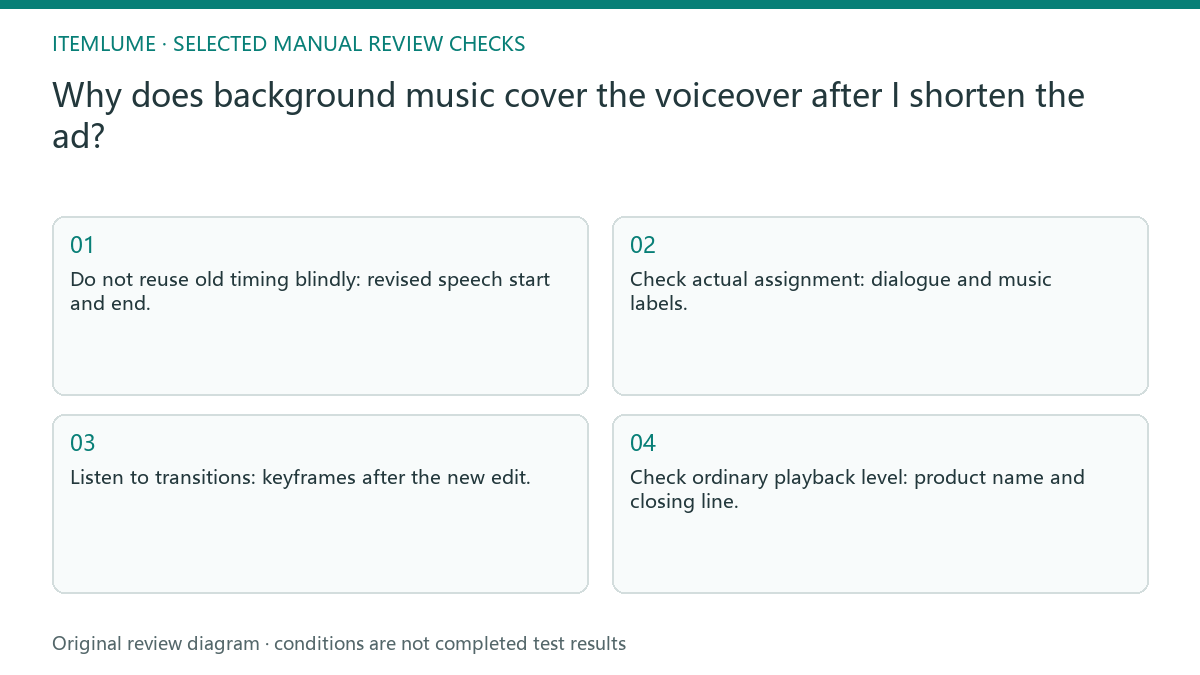
Edited dialogue changes the ducking target
Speech clarity is not guaranteed by a visible ducking label. Automation can depend on tag choices, sensitivity and generated keyframes, and those decisions may need refreshing after edits. A clean peak meter also does not prove that the words remain intelligible under the music.
Compare the current speech intervals with the music-volume curve. If the dialogue was trimmed, moved or replaced, a curve built against the previous edit may no longer match. Listen for both masked words and music that dips after the speaker has already stopped.
Recheck music around every spoken interval
Mark the actual dialogue starts, ends and meaningful pauses on the revised timeline. Check which clips are treated as dialogue and music in the editor, regenerate or adjust the relevant automation using its current controls, and listen to entrances and exits. Export a short test containing the newly moved line and review it at an ordinary listening level.
In the editor, identify speech and music tracks using its supported workflow, then review or regenerate the relevant ducking after the edit. Keep a copy of manually adjusted transitions. Inspect a short before-and-after interval instead of applying an unreviewed reset across the whole campaign.
- Do not reuse old timing blindly: revised speech start and end.
- Check actual assignment: dialogue and music labels.
- Listen to transitions: keyframes after the new edit.
- Check ordinary playback level: product name and closing line.
A reordered product line leaves old keyframes
Fictional exercise: a lamp ad’s closing sentence moves earlier after shortening a beauty shot. The old music rise now covers the product name. The editor compares dialogue regions with keyframes, corrects that section and checks both the name and the silent end hold. No platform-wide loudness target is invented.
The fictional bottle ad moves its benefit sentence earlier. Review the beginning of that sentence, the gap after it and the next line. The desired result is comprehensible approved speech and intentional music recovery, not one universal attenuation number. If music still masks a word, mark the exact interval and verify whether the voice recording itself is intelligible. A volume curve cannot recover a missing or unclear syllable. Return that line to the audio owner before changing unrelated music throughout the ad.
Judge the mix through the final export
Stop automatic adjustment when it removes an intentional pause, produces pumping or still masks the approved words. Use a deliberate manual transition and audition the full edit.
Export a short final mix and listen outside the editor. Unresolved words or abrupt volume pumping require another audio edit, not a new product-image prompt. A finishing editor handles dialogue tagging, music levels and automation. Itemlume’s silent assembled TVC does not include this external audio-mixing step.
Dialogue regions to export review: decision worksheet
| Check | Evidence to record | Review action |
|---|---|---|
| Dialogue regions | Revised speech start and end | Do not reuse old timing blindly |
| Clip roles | Dialogue and music labels | Check actual assignment |
| Automation | Keyframes after the new edit | Listen to transitions |
| Export review | Product name and closing line | Check ordinary playback level |
Use this matrix as a manual review record and add your own real evidence. Its conditions are not completed test results.
Sources and further reading
Sources for this page were checked on . Platform rules can change; verify the current source before publishing. Prompt examples and workflow recommendations are Itemlume editorial guidance, not independently measured results.
Frequently asked questions
Do ducking keyframes stay correct after trimming speech?
They need review. Compare the curve against the new spoken intervals and rework affected transitions.
Should every ad use the same music reduction?
No. Judge intelligibility and intended recovery for the actual voices and music.
Does Itemlume add this soundtrack automatically?
No. This is an external audio-editing handoff, not an automatic soundtrack capability.
BUILD FROM A PRODUCT YOU KNOW
Put this workflow into practice with your own product.
Explore the relevant tool first. AI copy and concept planning are free after sign-in. Image and video generation require available credits and the applicable account access.
Open Product videos Check pricing and credits