 Itemlume
Assets & tasks / PRACTICAL ANSWER
What does restoring the previous shot do after a TVC retake fails?
Restoration reuses the eligible previous successful shot and film state. It does not generate a new repair or certify that the old shot is accurate.
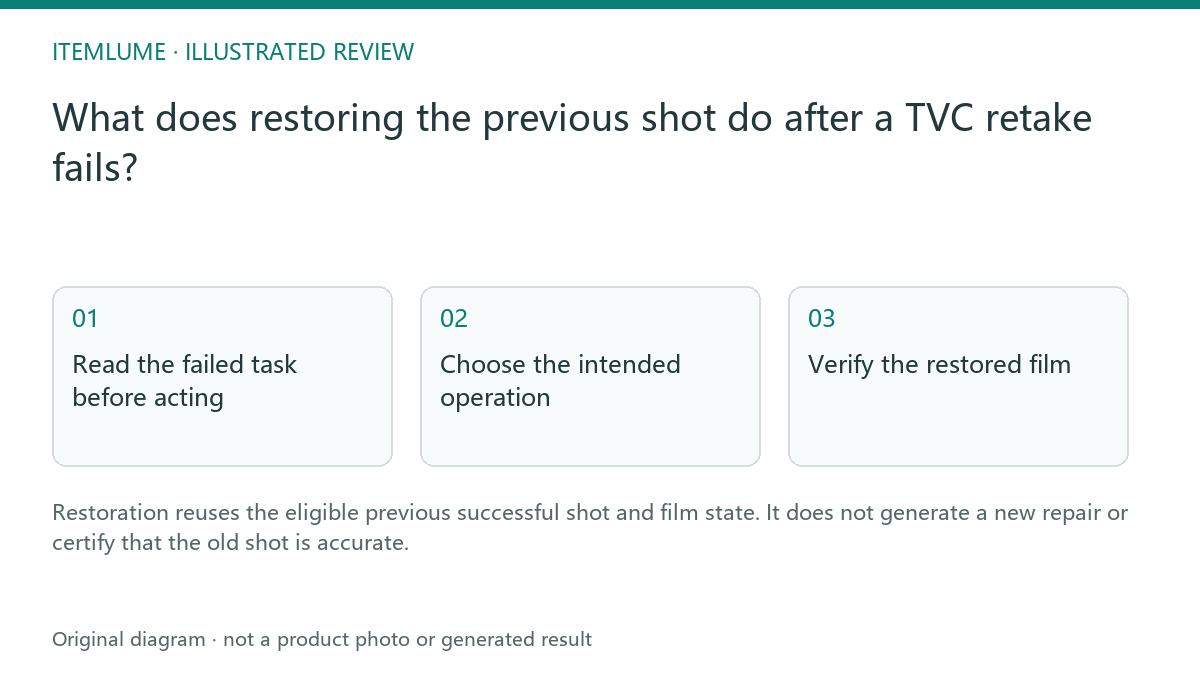
Read the failed task before acting
A fictional bottle film is complete. The seller approves a retake of shot five, but that retake reaches a confirmed failed state. The original successful shot and earlier assembled film still exist. Restoration can return that previous source to the sequence when the application verifies eligibility. A job that is merely slow, still active or uncertain is not the same case.
Keep the original task and request identity while checking status. Do not create a new job merely to discover whether the first retake finished. Record which shot was being replaced and which previous revision you intend to recover.
Choose the intended operation
| Choice | What changes | Decision |
|---|---|---|
| Restore eligible previous shot | Reuses an existing successful source | Accept the earlier defect temporarily |
| New retake | Requests another generated source | Approve its current quote |
| New plan | Changes script or references | Review the complete new sequence |
The current restoration path performs eligibility checks and reassembles from existing material without a new model generation. It is not a blanket refund rule for every failed job, and it does not make the earlier clip a successful repair. Review the task’s actual credit record separately.
Verify the restored film
After restoration, confirm the selected shot is the earlier successful source and that the displayed film revision matches the recovered state. Download the intended version and play through the affected cut. A browser tab showing an older film thumbnail is insufficient evidence of a completed restore operation.
For the fictional seller, annotate “earlier shot restored; cap distortion still rejected for publication.” This permits internal review without accidentally treating recovery as quality approval.
Handle unavailable recovery honestly
If the previous source file is unavailable, the application cannot safely promise restoration. Preserve the task evidence and follow the displayed recovery guidance. Do not upload an unrelated clip under the original shot number. If another retake is necessary, approve it as a new production decision and compare it against the same product reference.
Sources and further reading
Sources for this page were checked on . Platform rules can change; verify the current source before publishing. Prompt examples and workflow recommendations are Itemlume editorial guidance, not independently measured results.
Frequently asked questions
Does restoration call the video model again?
The eligible restore path reuses existing files and does not request a new generation.
Does it mean the old shot is now accurate?
No. Its earlier quality limitations remain.
Can an uncertain running retake be restored?
Do not treat an active or uncertain task as the confirmed failure case.
BUILD FROM A PRODUCT YOU KNOW
Put this workflow into practice with your own product.
Explore the relevant tool first. AI copy and concept planning are free after sign-in. Image and video generation require available credits and the applicable account access.
Open Assets & tasks Check pricing and credits