 Itemlume
A+ product pages / PRACTICAL ANSWER
How do I stop a replacement-part listing from looking like the complete product?
Identify the replacement part as the merchandise. A parent-product illustration should explain context without implying it is included.
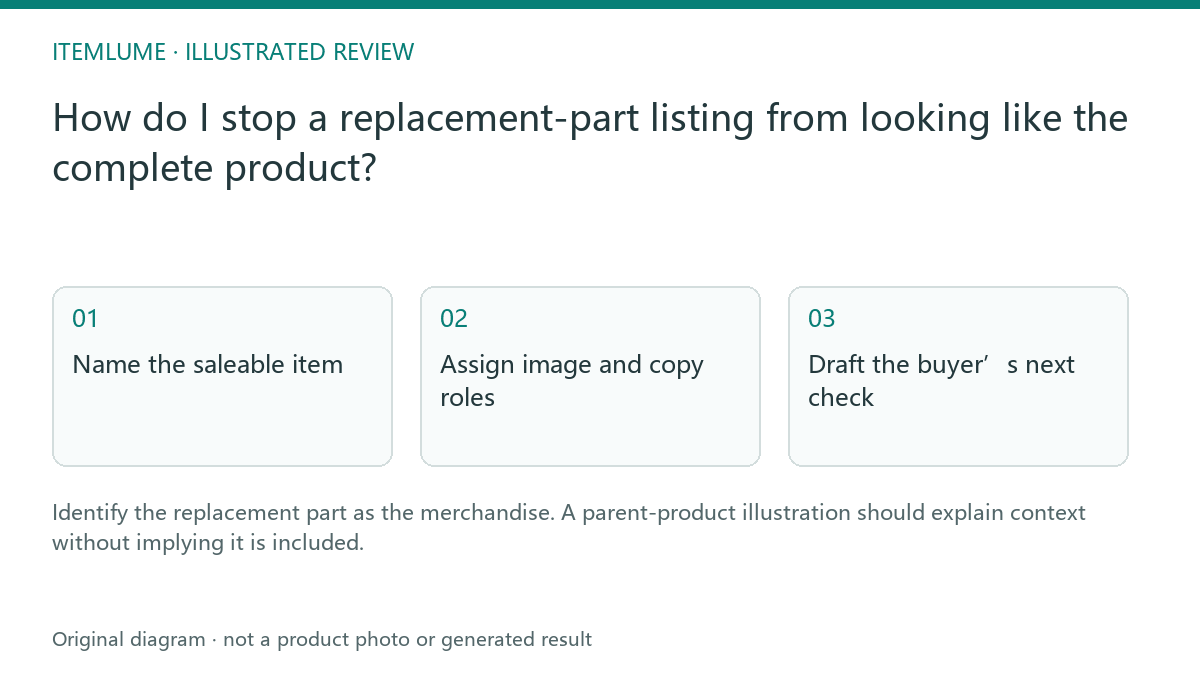
Name the saleable item
A fictional shop sells a replacement vacuum filter. Its generated image shows a complete vacuum, and the draft headline says “refresh your home with this powerful vacuum.” Write a factual sale record: one filter, the verified compatible models and any confirmed included pieces. Keep the parent appliance as context rather than the product sold.
Compatibility must come from the supplier’s actual record. Similar appearance or a matching connector in an image cannot establish fit. Do not let a text model expand the compatible-model list.
Assign image and copy roles
| Element | Intended role | Review |
|---|---|---|
| Filter photograph | Sold merchandise | Accurate component |
| Vacuum illustration | Compatibility context | Clearly not included |
| Model list | Verified fit information | Exact supplier identifiers |
| Quantity | Actual package contents | No inferred multipack |
Use the same sale record across title, description, images and applicable catalog fields. A small disclaimer cannot fully resolve a dominant hero image that presents the whole appliance as the offer.
Draft the buyer’s next check
Explain how the buyer can identify their appliance model using the verified method supplied by the business. State unsupported or unknown compatibility honestly. Keep the wording concise but avoid reducing it to “universal” simply because a long model list is inconvenient.
For the filter, a useful answer helps the buyer confirm the relevant identifier before ordering. It does not suggest that a generated installation scene demonstrates an actual fit test.
Review with a fresh reader
Show the listing without verbal explanation and ask what will arrive. If the reviewer says “a vacuum,” revise the primary presentation. Itemlume helps create the creative and copy; it does not test component fit or change your external catalog. Preserve the supplier evidence and update the listing when the compatible-model scope changes.
Sources and further reading
Sources for this page were checked on . Platform rules can change; verify the current source before publishing. Prompt examples and workflow recommendations are Itemlume editorial guidance, not independently measured results.
Frequently asked questions
Can the parent product be shown?
As clear context without implying it is included.
Does a similar shape prove compatibility?
Use verified supplier model/fit evidence.
What is the first review question?
Ask what the buyer expects to receive.
BUILD FROM A PRODUCT YOU KNOW
Put this workflow into practice with your own product.
Explore the relevant tool first. AI copy and concept planning are free after sign-in. Image and video generation require available credits and the applicable account access.
Open A+ product pages Check pricing and credits