 Itemlume
PRACTICAL ANSWER / A+ product pages
Which weight belongs in a product description: the item or the packed parcel?
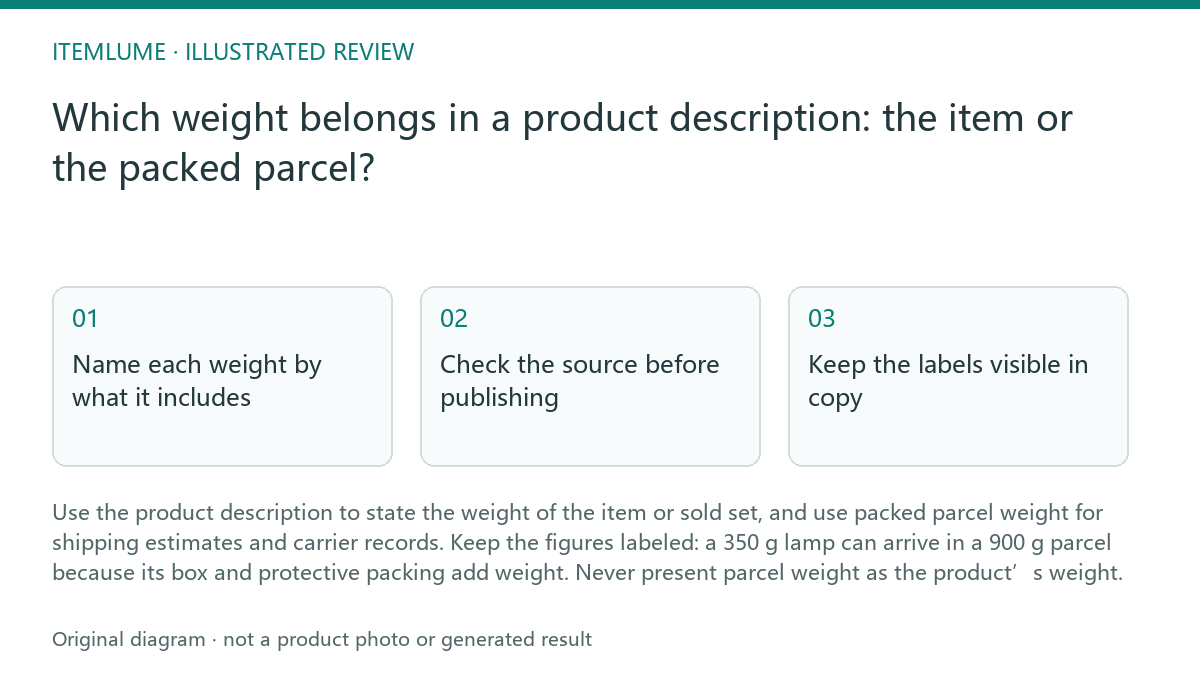
Use the product description to state the weight of the item or sold set, and use packed parcel weight for shipping estimates and carrier records. Keep the figures labeled: a 350 g lamp can arrive in a 900 g parcel because its box and protective packing add weight. Never present parcel weight as the product’s weight.
Name each weight by what it includes
Net weight is the weight of the product itself, excluding shipping packaging. If you sell a set, state whether the figure applies to one item or to all items in the set. A single-item figure should not quietly become a bundle total.
Packed shipping weight is the product plus its shipping box, inserts and protective materials. It belongs in shipping calculations and fulfillment records, not as an unlabeled product specification. Where relevant, distinguish the retail box from the outer parcel and keep those measurements tied to their actual purpose.
Check the source before publishing
A product page and a delivery estimate answer different questions. Buyers use product weight to understand what they are purchasing; shipping systems use packed weight to estimate or process a shipment. Reusing one number for both can make the listing misleading or the shipping data inaccurate.
Use this check sequence before updating a listing:
- Identify the sold unit: one item, a multipack or a bundle.
- Check a reliable product specification or weigh the unpacked item; record the unit and what is included.
- For sets, calculate or verify the combined product weight and label it as the set total.
- Weigh the packed parcel separately, including the shipping materials, and enter it only in the relevant shipping workflow.
- Compare the live description and shipping record with those labeled source figures; correct any field that uses the wrong weight.
Keep the labels visible in copy
Put the item or set weight beside a clear label such as “Product weight” or “Set net weight.” Include a unit and avoid a bare number that could be mistaken for shipping weight. If the product’s weight varies by configuration, identify the relevant version rather than implying one figure covers every option.
Do not promise that the parcel will weigh exactly the product weight, or imply a particular delivery cost from product weight alone. Packaging and shipping rules can affect the final parcel figure. Keep delivery estimates tied to the packed shipment data used by your shipping process.
Work through one fictional example
Fictional exercise: a lamp weighs 350 g without packaging. Its shipping box, insert and protective packing bring the parcel to 900 g. The listing says “Lamp weight: 350 g”; the shipping workflow uses 900 g. The two numbers are not inconsistent because they describe different things.
Before publishing, confirm that 350 g excludes packaging, that it applies to the lamp being sold, and that 900 g includes the materials in the parcel weighed for shipping. If the listing instead says “Shipping weight: 350 g,” fail the review and correct the label or source figure. Stop once the product copy and shipping record both match their verified, clearly defined measurements; investigate further if either measurement or its contents cannot be confirmed.
Weight field review
| Observation | Next check | Pass condition |
|---|---|---|
| Description lists 350 g for the lamp | Check whether the figure is unpacked lamp weight | Labeled as product weight and tied to the sold lamp |
| Listing sells a two-lamp set | Check whether the stated figure is per lamp or for both | The copy explicitly identifies per-item weight or set total |
| Shipping record lists 900 g | Check the packed parcel, including its shipping materials | The figure is labeled and used as packed shipping weight |
| The same number appears in product and shipping fields | Compare each field with its own measured source | Each field reflects its defined weight; matching numbers are used only when verified |
Sources and further reading
Sources for this page were checked on . Platform rules can change; verify the current source before publishing. Prompt examples and workflow recommendations are Itemlume editorial guidance, not independently measured results.
Frequently asked questions
Can product weight and shipping weight be the same?
They can match, but only if both measurements are verified and packaging adds no weight that changes the parcel figure. Label each field by what it measures.
Should a bundle show weight per item or for the whole set?
State which one you mean. If both figures help buyers, label the per-item weight and set total separately.
Does product weight determine delivery cost?
Not by itself. Use the packed shipment data required by your shipping workflow; product weight excludes the shipping materials.
BUILD FROM A PRODUCT YOU KNOW
Put this workflow into practice with your own product.
Explore the relevant tool first. AI copy and concept planning are free after sign-in. Image and video generation require available credits and the applicable account access.
Open A+ product pages Check pricing and credits