 Itemlume
Packaging studio / PRACTICAL ANSWER
Does a glossy packaging mockup specify where spot varnish will be printed?
No. A rendered reflection shows appearance. The supplier needs a defined finishing area and its required artwork format.
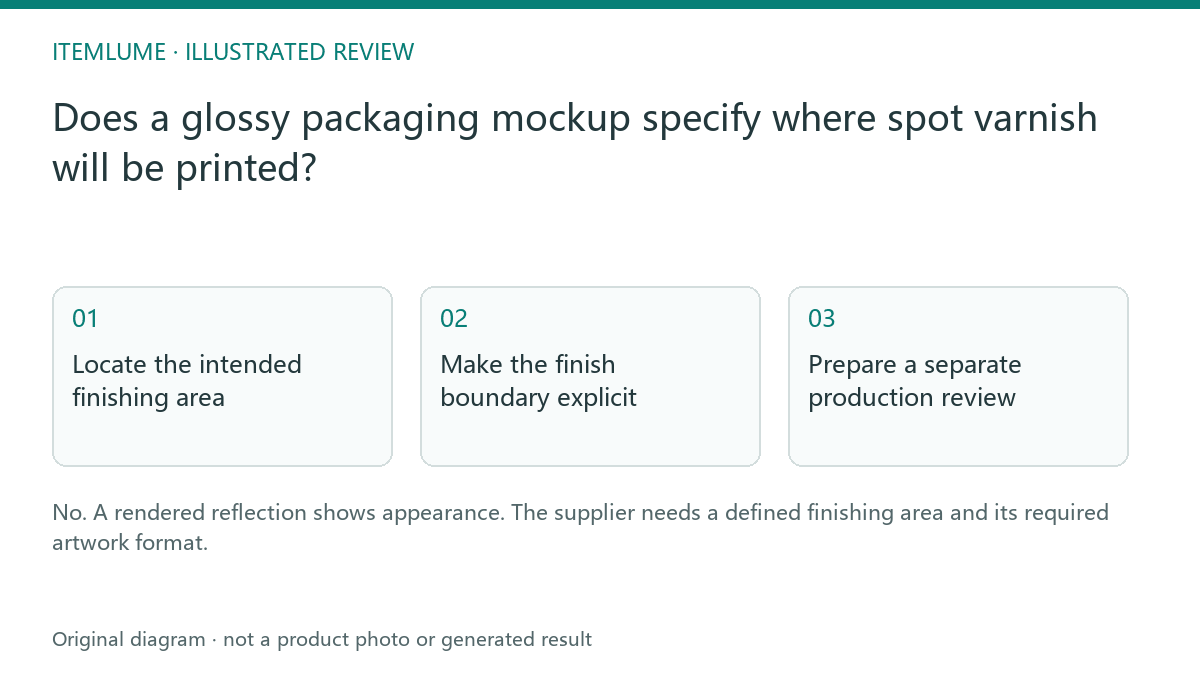
Locate the intended finishing area
A fictional tea carton mockup has a glossy leaf and shiny corners. The seller intends only the leaf to receive spot varnish. The image does not distinguish varnish from lighting on the corners. Write the intended finish, surface and exact area before asking for production artwork.
A finishing mask is an external artwork deliverable. Its layer naming, swatch treatment and export settings must come from the chosen supplier. Do not invent a universal specification from a generated reflection.
Make the finish boundary explicit
| Visual area | Intended production role | Check |
|---|---|---|
| Leaf symbol | Spot-varnish area | Approved shape and placement |
| Shiny carton corner | Mockup lighting only | Exclude from finishing mask |
| Fold/glue areas | Structural constraints | Follow supplier template |
| Fine lettering | Optional finish decision | Confirm feasible detail |
Use the actual current dieline and approved artwork version. A varnish area that looked correct on an older carton may move across a fold when the structure changes.
Prepare a separate production review
Ask the designer to show the ordinary artwork and the isolated finishing area separately. Compare their alignment and make sure the varnish shape is intentional. If a spot swatch is part of the supplier workflow, confirm that it remains the correct type and name in the exported file rather than becoming an ordinary visual fill.
Adobe’s swatch documentation explains color roles; it is not a universal varnish-production standard. The printer’s requirements control the actual finishing handoff.
Approve a physical sample
Review a supplier sample for placement, appearance and interaction with the actual substrate. A simulation cannot establish the real coating effect or production tolerance. Keep the approved mask, artwork and sample decision together. Itemlume provides packaging concepts; it does not turn reflected shine into a verified finishing mask or manufacture the sample.
Sources and further reading
Sources for this page were checked on . Platform rules can change; verify the current source before publishing. Prompt examples and workflow recommendations are Itemlume editorial guidance, not independently measured results.
Frequently asked questions
Can the printer infer the mask from highlights?
Give an explicit approved finishing area.
Is there one universal layer name?
Use the selected supplier’s requirements.
Does a mockup prove the coating effect?
No. Review a physical supplier sample.
BUILD FROM A PRODUCT YOU KNOW
Put this workflow into practice with your own product.
Explore the relevant tool first. AI copy and concept planning are free after sign-in. Image and video generation require available credits and the applicable account access.
Open Packaging studio Check pricing and credits