 Itemlume
DIAGNOSTIC GUIDE / Packaging studio
Why does a packaging QR code fail, and which stage should I check first?
Trace the failure from trustworthy code data to the printed code and its actual position. AI artwork is not a reliable QR encoder. A readable digital file also does not establish that the code works after printing on a reflective, curved or obstructed package. The actual printed code and its destination each need an explicit acceptance decision.
A scannable screen preview is not a print proof
Encoding validity, surrounding clear area, printed size, material and scanner access are separate stages. A good destination URL cannot repair malformed modules, and a correct symbol cannot overcome a placement hidden by a fold or sticker. Retail GS1 use and an ordinary marketing QR must be scoped to their own requirements.
Inspect the code’s surrounding clear area, nearby decoration and the actual symbol geometry. Shrinking, stretching or overlaying a logo can change the delivered pattern. Do not prescribe a universal millimetre margin or minimum size without the applicable symbol specification and printing context.
Protect the clear border and real print geometry
Obtain the approved code from a trusted encoder or responsible system. Verify its decoded data, place the original code artwork without generative redrawing, and consult the applicable supplier or standard guidance. Test a real proof in its intended material and position, recording devices and outcomes rather than declaring universal scanability.
Give the printer the actual code asset, intended size, placement and material. Obtain a representative physical proof and test the printed code without making a purchase or exposing a private endpoint. Record scan behavior and the exact reached destination as separate fields.
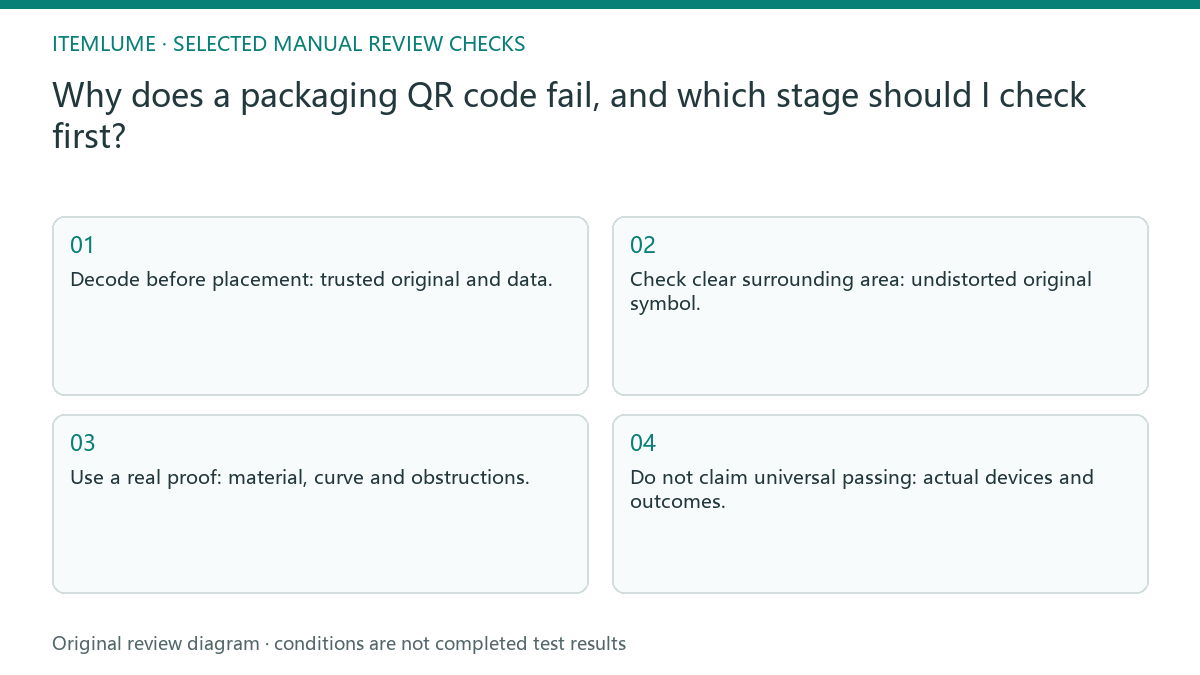
- Decode before placement: trusted original and data.
- Check clear surrounding area: undistorted original symbol.
- Use a real proof: material, curve and obstructions.
- Do not claim universal passing: actual devices and outcomes.
Test a fictional label at its delivered size
Fictional exercise: a gift-box concept includes a plausible-looking AI QR code. The operator replaces it with the approved source code, checks decoded data, then tests an actual proof near the reflective window. A scan failure is assigned to the first failing stage instead of asking AI to make a prettier code.
The fictional label places decoration too near the code. The working comparison restores the required clear area under the applicable specification and tests the real-size proof. It does not report an actual production run, a guaranteed reader success rate or a consumer-platform QR approval. If the printed code reads but the destination changes later, reopen destination approval without assuming print failure. Conversely, a correct landing page does not repair an unreadable symbol. Preserve the tested code asset and proof context so those two diagnoses remain distinguishable.
Keep scanning and destination approval separate
Stop when the source code cannot decode or when no real proof exists for the intended material. Keep scanning approval pending and avoid inventing a standard size that covers every code.
Stop delivery if the code cannot be reliably read in the intended proof conditions or reaches an unintended page. The printer handles physical reproduction, while the destination owner controls the linked content. The code owner, designer and printer handle encoding and proof testing. Itemlume packaging concepts do not certify code data, retail acceptance or printed scanning success.
Code source to scan record: decision worksheet
| Check | Evidence to record | Review action |
|---|---|---|
| Code source | Trusted original and data | Decode before placement |
| Artwork | Undistorted original symbol | Check clear surrounding area |
| Physical position | Material, curve and obstructions | Use a real proof |
| Scan record | Actual devices and outcomes | Do not claim universal passing |
Use this matrix as a manual review record and add your own real evidence. Its conditions are not completed test results.
Sources and further reading
Sources for this page were checked on . Platform rules can change; verify the current source before publishing. Prompt examples and workflow recommendations are Itemlume editorial guidance, not independently measured results.
Frequently asked questions
Is a successful phone scan on screen sufficient?
No. Test a representative physical proof at the intended size and material.
Can I invent a universal minimum QR size?
No. Use the applicable symbol specification and actual production context.
Does reading the code prove the linked page is right?
No. Check the reached destination separately.
BUILD FROM A PRODUCT YOU KNOW
Put this workflow into practice with your own product.
Explore the relevant tool first. AI copy and concept planning are free after sign-in. Image and video generation require available credits and the applicable account access.
Open Packaging studio Check pricing and credits