 Itemlume
DIAGNOSTIC GUIDE / Packaging studio
Should I send PDF/X-1a or PDF/X-4 for packaging with transparent effects?
Choose the PDF delivery standard with the printer, not by assuming the newest or oldest preset is universally safer. Transparent effects can be preserved or flattened through different workflows; the accepted file and its visible result both need verification. The useful result is an accepted production file, with its transparency behavior inspected.
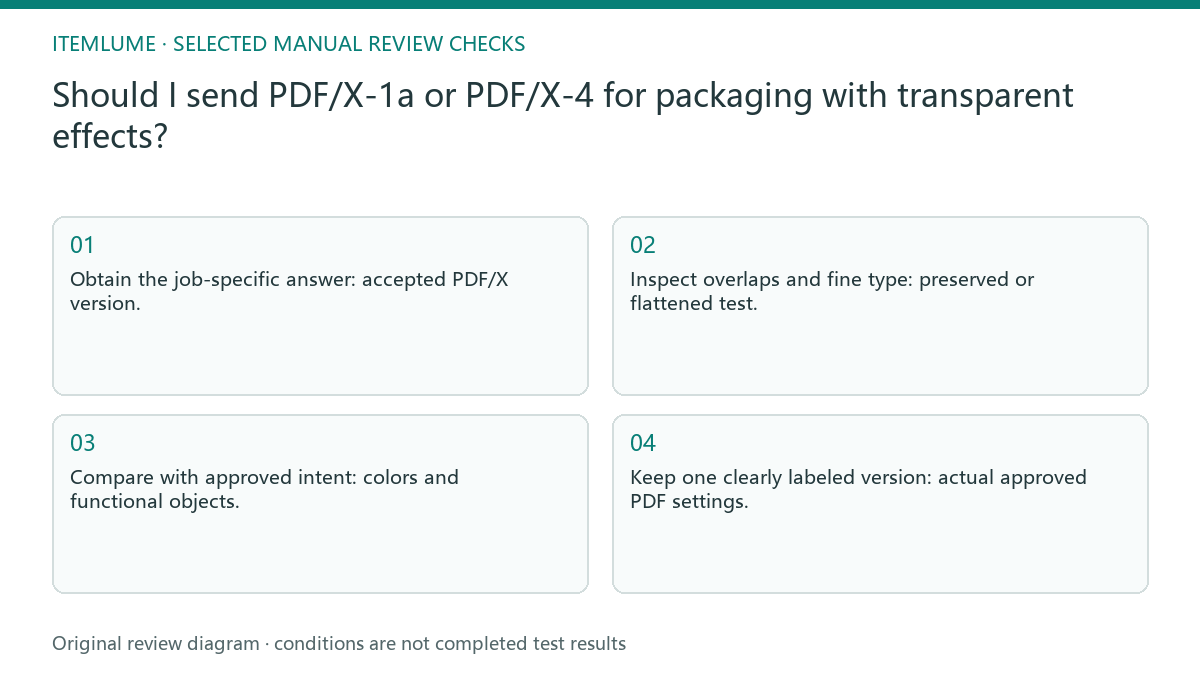
PDF/X choice depends on the receiving workflow
PDF/X labels describe constrained delivery workflows, while a mockup only shows an intended appearance. The printer’s processing system and job specification determine the suitable route. Flattening can change how objects are represented, so an apparently simple conversion deserves renewed inspection around type, overlapping shapes and placed images.
Ask whether the supplier wants live transparency or a flattened result, then record its accepted PDF/X route. “High quality PDF” is not a sufficient production instruction. The same intended appearance can be represented differently without making either route universally correct.
Request the printer’s transparency contract
Ask which PDF/X version, color profile and transparency handling the printer accepts for this job. Export approved test copies from the editable master without overwriting it. Compare visible overlaps and production preview, send the accepted test for confirmation, and record the chosen settings with the actual file.
Create test exports from the same editable version. Keep fonts, images and color choices constant while comparing the requested transparency routes. Give each file a descriptive version label; otherwise a later screenshot can be attached to the wrong PDF.
- Obtain the job-specific answer: accepted PDF/X version.
- Inspect overlaps and fine type: preserved or flattened test.
- Compare with approved intent: colors and functional objects.
- Keep one clearly labeled version: actual approved PDF settings.
Check the translucent band and small type
Fictional exercise: a gift-box sleeve uses a translucent color band over a photograph. Two requested PDF test routes are supplied to a printer, who compares the band, small type and spot-color objects. The approved route is recorded. This exercise provides no universal recommendation that every supplier should accept the same standard.
Zoom the fictional sleeve’s band intersections and small letters, then inspect the production preview with the printer. Check both apparent seams and altered object behavior. A screenshot of the sleeve in a 3D scene cannot substitute for that delivered-file review.
Send one clearly identified accepted delivery
Stop if the chosen preset changes essential artwork or the printer has not confirmed its accepted workflow. Do not fix a production uncertainty by sending several unlabeled final PDFs.
Retain the editable master and accepted settings together. Future revisions must repeat the relevant inspection if transparent objects, fonts or placed imagery change. The print supplier determines the accepted production contract. Itemlume packaging imagery remains concept material; PDF preparation, preflight and physical proof approval happen in the production workflow.
Supplier contract to chosen delivery: decision worksheet
| Check | Evidence to record | Review action |
|---|---|---|
| Supplier contract | Accepted PDF/X version | Obtain the job-specific answer |
| Transparency | Preserved or flattened test | Inspect overlaps and fine type |
| Production preview | Colors and functional objects | Compare with approved intent |
| Chosen delivery | Actual approved PDF settings | Keep one clearly labeled version |
Use this matrix as a manual review record and add your own real evidence. Its conditions are not completed test results.
Sources and further reading
Sources for this page were checked on . Platform rules can change; verify the current source before publishing. Prompt examples and workflow recommendations are Itemlume editorial guidance, not independently measured results.
Frequently asked questions
Is the newest PDF/X preset always safer?
No. Use the printer’s job-specific accepted workflow and inspect the resulting artwork.
Should I flatten every transparent object?
Only if the agreed workflow requires it. Check overlaps and type after any flattening.
Can I send several files marked final?
Avoid ambiguous finals. Record which test the printer accepted and deliver that clearly identified version.
BUILD FROM A PRODUCT YOU KNOW
Put this workflow into practice with your own product.
Explore the relevant tool first. AI copy and concept planning are free after sign-in. Image and video generation require available credits and the applicable account access.
Open Packaging studio Check pricing and credits