 Itemlume
PRACTICAL ANSWER / Packaging studio
Why does printing on the back show through the front of my package?
Back-side ink can remain visible through a thin sleeve when the substrate admits light or the print layer is too dense. Separate the material, ink coverage and lighting causes with a physical double-sided sample. Increasing mockup opacity only hides the problem on screen; it does not change the package.
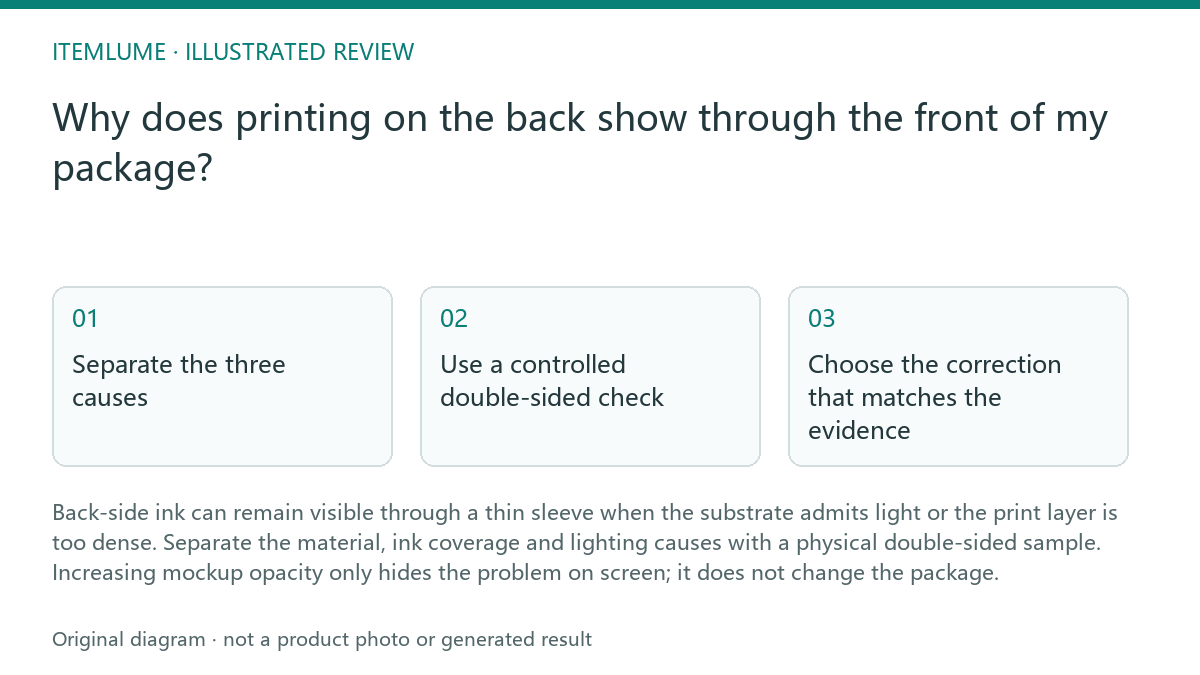
Separate the three causes
Start with the substrate. A thin white sleeve may look solid in a front-facing render while still transmitting enough light for dark interior artwork to appear as a shadow or gray patch. Ask which material, thickness and white layer the sample represents. A screen concept can communicate placement, but it cannot establish physical opacity.
Next, inspect the inside artwork and ink coverage. Large dark panels, saturated brand colors and repeated copy can show through more strongly than small marks. This is a production review question, not a mockup adjustment. Itemlume planning can help organize the intended package concept, but it does not prove opacity, fit or printed performance; image and video media are quoted separately.
Use a controlled double-sided check
Compare the same artwork under two useful conditions: ordinary room light and a brighter light placed behind the package. Keep the front and back designs, viewing distance and folded shape consistent. Record whether the issue is general haze, a readable reversed message or a localized dark block.
Use this sequence before changing the artwork:
steps
- Confirm the supplier sample uses the intended paper, finish and print treatment.
- Compare the front under the intended viewing light with a blank-back sample of the same stock.
- Map any reverse-side text or dark artwork that is visible through the front, keeping the sample orientation recorded.
- Ask the supplier to review stock opacity or the reverse layout; approve only after the physical revised sample passes.
Choose the correction that matches the evidence
If the whole sleeve glows or the front loses contrast, discuss a more opaque substrate or an appropriate white backing layer with the printer. If only the dark back panel appears, reduce or relocate that coverage, add a deliberate interior treatment, or separate important front information from the affected area. The printer must confirm what can be produced on the selected construction.
Do not treat a lighter-looking render as approval. A useful brief identifies front and back faces, viewing orientation, substrate assumptions, ink or white-layer assumptions, and the sample required for review. If the package must protect legibility or conceal contents, make that requirement explicit rather than relying on a visual mockup.
Set a stop point before approval
Stop artwork approval when the sample uses an unconfirmed material, when the back print differs from the approved file, or when the result has only been judged on a monitor. Also stop if the intended viewing condition has not been agreed. A sample that passes in soft room light may fail beside a window or under retail lighting.
A fictional example: a team tests a thin white sleeve with a dense navy message inside. Under room light the front appears acceptable, but a lamp behind it makes the message readable. The team marks substrate opacity as unresolved, requests a sample with the proposed white layer, and retests both faces before approving the front artwork. The numbers and result in this example are fictional.
Show-through review
| Observation | Next check | Pass condition |
|---|---|---|
| The entire front looks gray when light comes from behind. | Confirm the sleeve material, thickness and white-layer specification. | The selected construction keeps front information legible in the agreed light. |
| Only a dense dark panel from the inside is visible. | Compare reduced coverage or a moved panel on a physical double-sided sample. | The panel does not create a readable or distracting shadow through the front. |
| The mockup looks opaque but no sample exists. | Request the actual folded or assembled sample and inspect both faces. | Approval is based on the intended material and printed construction. |
| The result changes between room light and backlight. | Record the lighting condition and define the acceptance condition. | The package passes under the agreed review lighting without hiding essential copy. |
Sources and further reading
Sources for this page were checked on . Platform rules can change; verify the current source before publishing. Prompt examples and workflow recommendations are Itemlume editorial guidance, not independently measured results.
Frequently asked questions
Can I fix show-through by increasing mockup opacity?
No. That can make a screen render look more solid, but it does not change the substrate or ink. Review a physical double-sided sample.
Should I remove all dark printing from the inside?
Not automatically. First determine whether the substrate, white layer or local ink coverage causes the issue, then choose a correction with the printer.
Does a front-and-back concept prove the package will perform?
No. It communicates planned artwork. It does not prove opacity, fit, durability or other printed performance.
BUILD FROM A PRODUCT YOU KNOW
Put this workflow into practice with your own product.
Explore the relevant tool first. AI copy and concept planning are free after sign-in. Image and video generation require available credits and the applicable account access.
Open Packaging studio Check pricing and credits