 Itemlume
Assets & tasks / PRACTICAL ANSWER
Will downloading a creative review worksheet automatically update my store?
No. A review worksheet records decisions. It does not connect to a store, generate media or apply changes automatically.
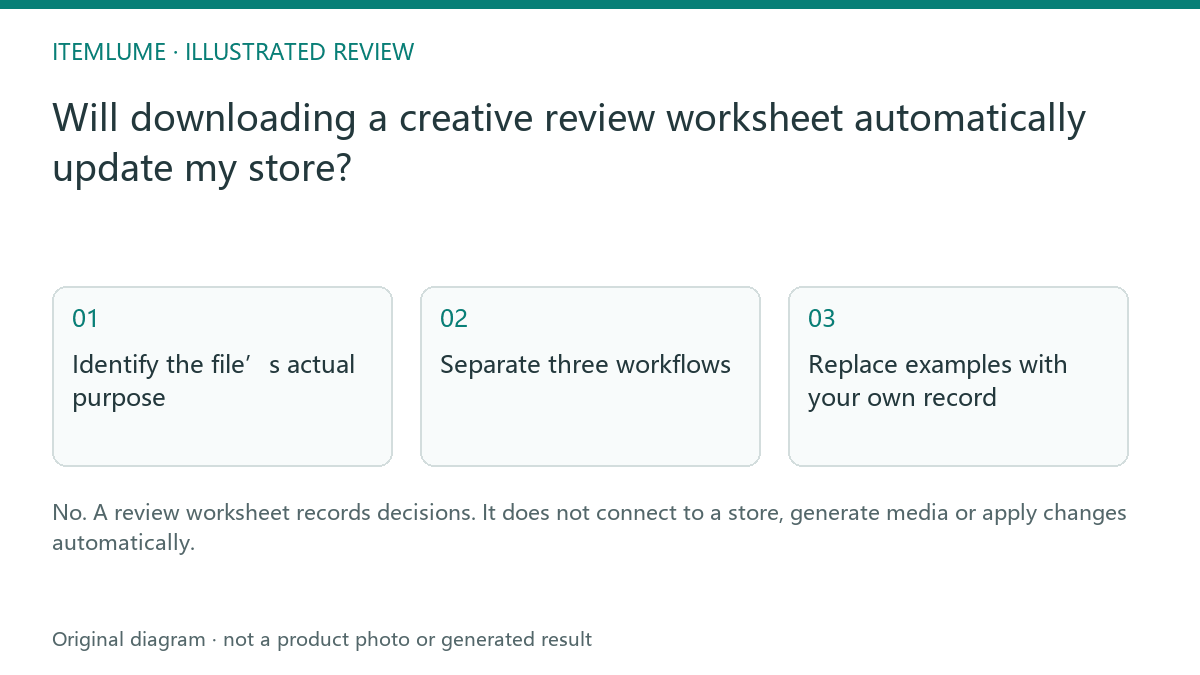
Identify the file’s actual purpose
A fictional seller downloads a CSV with columns for source, defect and approval. They upload it to a store’s product importer expecting images to change. The importer expects a different schema, and the worksheet was never designed for that operation. Read the resource description before treating a familiar extension as a compatible integration.
A CSV is a text-table format used by many unrelated workflows. The extension does not establish field meanings, account access or automation. Itemlume’s review worksheets contain fictional sample rows and manual decision fields.
Separate three workflows
| File/process | Purpose | Action |
|---|---|---|
| Review worksheet | Record evidence and decisions | Open in a suitable spreadsheet tool |
| Destination-specific import | Apply supported store updates | Use actual documented schema and test |
| API integration | Programmatic connection | Requires a verified implemented workflow |
Do not paste private credentials into worksheet cells. A downloaded resource has no legitimate need to acquire your store password merely to record a review decision.
Replace examples with your own record
Copy the worksheet, preserve the header meaning and replace fictional sample rows with the appropriate internal references. Keep sensitive material out of a public copy. Record rejected and accepted decisions without overwriting the actual product source files. A row marked “approved” is your review record, not a command executed by Itemlume.
If a teammate needs a store import, prepare that file separately and verify its destination format. Do not casually rename review columns to make them look like an import.
Verify the intended next step
Use the recorded decision to select the actual approved asset in your normal publishing workflow. Check the published result separately. The worksheet can improve traceability but cannot establish that the correct image was uploaded. This guide explains the downloadable resource boundary; it does not announce an unimplemented store synchronization or CSV automation feature.
Sources and further reading
Sources for this page were checked on . Platform rules can change; verify the current source before publishing. Prompt examples and workflow recommendations are Itemlume editorial guidance, not independently measured results.
Frequently asked questions
Does CSV mean store import?
No. Check the intended schema and purpose.
Does an approved row publish the asset?
No. Complete and verify the actual publishing step.
Should I enter API keys in the sheet?
No. A manual review record does not need credentials.
BUILD FROM A PRODUCT YOU KNOW
Put this workflow into practice with your own product.
Explore the relevant tool first. AI copy and concept planning are free after sign-in. Image and video generation require available credits and the applicable account access.
Open Assets & tasks Check pricing and credits