 Itemlume
DIAGNOSTIC GUIDE / Logo studio
Which variable-font settings should I save with an approved wordmark?
Save the exact font file, its version and the adjustable axis values with the approved wordmark. A variable-font family name alone does not reproduce the chosen appearance. Attach an approval specimen at real use sizes and distinguish live editable text from a final outlined asset. Itemlume’s raster logo concept is not a saved variable-font production file.
Record the controls that actually exist
Adobe Illustrator documents variable-font adjustment, but fonts do not all expose identical controls. Inspect the selected file and record the axes it actually offers, such as weight, width or slant. Do not invent an optical-size setting or copy axis values from an unrelated family.
Record the font’s source and version beside the exact approved brand spelling. Keep the author’s custom spacing decisions separate from the font axes. A wider axis and wider tracking can resemble each other at a glance while producing different letter shapes and spacing.
Make a reproducible specimen
Build a specimen containing the approved name, selected values and the actual display sizes. Include a compact application and a wider application when both are planned. The goal is not an attractive contact sheet but a reference another designer can reproduce without interpreting “medium bold.”
If the editable file requires a font license or permitted transfer, settle that with the font owner’s current terms. A screenshot does not grant permission to share the font. Outlining can remove a live-font dependency for a particular asset, but it does not resolve every licensing question.
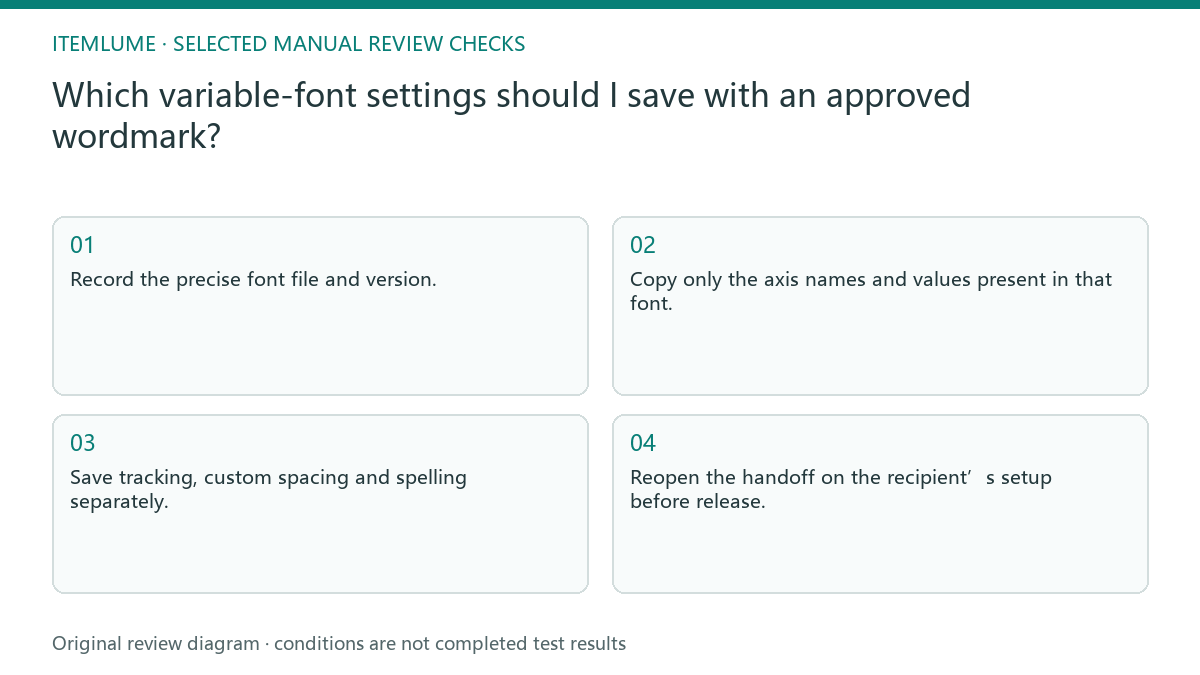
- Record the precise font file and version.
- Copy only the axis names and values present in that font.
- Save tracking, custom spacing and spelling separately.
- Compare approved specimens at the intended use sizes.
- Reopen the handoff on the recipient’s setup before release.
Fictional exercise: same family, different width
In this fictional exercise, a designer approves a narrow wordmark and sends only the family name. Another operator installs a different release of that family and uses its default width. The sign looks balanced, but the letter proportions no longer match the approved specimen.
The invented team retrieves the approved file version, restores the recorded width setting and leaves spacing unchanged for the first comparison. If the recipient cannot reproduce the specimen, they hold the editable handoff and resolve the dependency. They do not approve a near match because the name is readable.
Approve the actual deliverable
Check live text and outlined output independently. Live text needs reproducible dependencies; outlines need a visual comparison with the approved specimen. Include a file label explaining which version is editable, which is production artwork and which is only a raster concept.
Stop when the recipient can open the agreed deliverable and reproduce the approved shape at the specified applications. If the name, file version or spacing changes, reopen the relevant approval. Do not turn this check into trademark clearance, vector generation or automatic typography testing by Itemlume.
Variable-font handoff record
| Observation | Manual check | Stop or approve |
|---|---|---|
| Family name only | Inspect file and version | Hold incomplete dependency |
| Width differs | Compare recorded axis | Match approved specimen |
| Spacing drifts | Separate tracking from axis | Both values recorded |
| Outlined export | Compare real application size | Approved visual match |
Use this matrix as a manual review record and add your own real evidence. Its conditions are not completed test results.
Sources and further reading
Sources for this page were checked on . Platform rules can change; verify the current source before publishing. Prompt examples and workflow recommendations are Itemlume editorial guidance, not independently measured results.
Frequently asked questions
Are all variable fonts adjustable in the same way?
No. Record the actual controls of the selected font rather than a universal axis list.
Is the screenshot enough?
It is useful approval evidence but does not recreate editable dependencies or transfer font rights.
Does a raster logo save these settings?
No. Reconstructing a typographic production file is a separate external design task.
BUILD FROM A PRODUCT YOU KNOW
Put this workflow into practice with your own product.
Explore the relevant tool first. AI copy and concept planning are free after sign-in. Image and video generation require available credits and the applicable account access.
Open Logo studio Check pricing and credits