 Itemlume
PRACTICAL ANSWER / Logo studio
Why does a social-media avatar cut the corners off my logo?
The avatar is not showing your square logo on a square canvas. A circular platform mask removes the corners, so strokes, letters, or small symbols near the edge can disappear. Check the logo inside the intended circle before approval, then simplify or reposition any detail that falls outside the safe area.
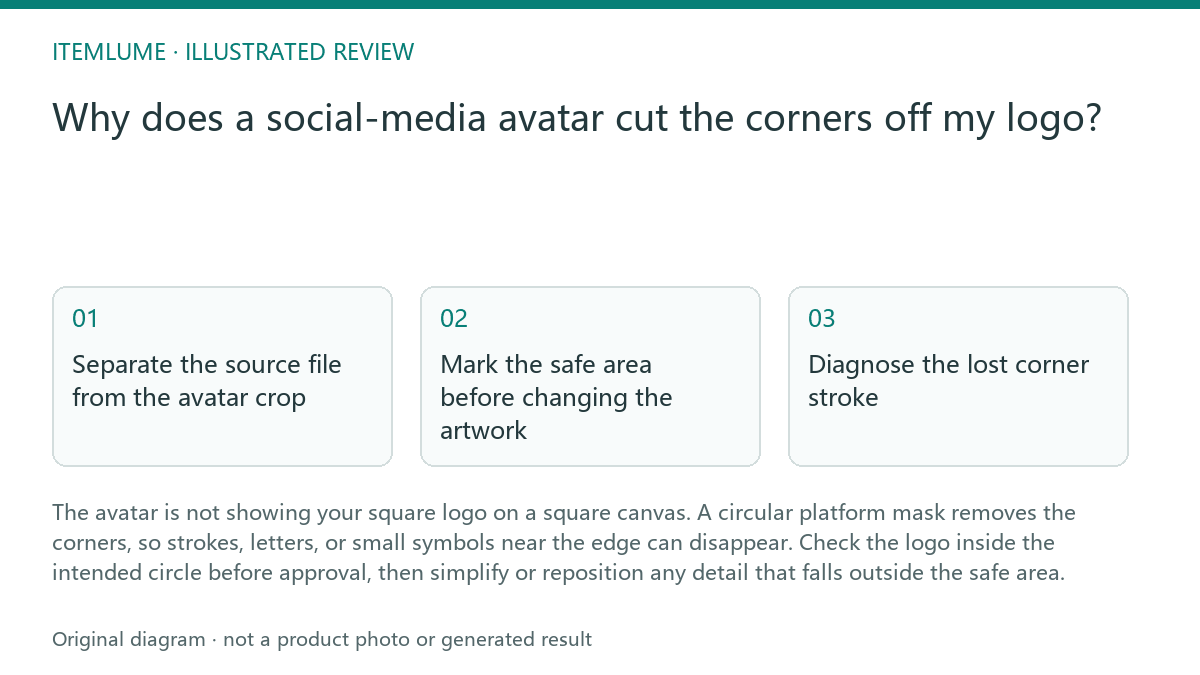
Separate the source file from the avatar crop
Start with the original square logo as the reference, then create a separate avatar test. Do not judge the master mark only from a square preview. Place the logo on a square artboard, add the expected circular mask as a visible overlay, and inspect what remains inside the circle.
The mask is a viewing condition, not proof that the source logo is defective. A corner stroke may still be correct in the original file while being unsuitable for this particular placement. Keep the master logo unchanged until you know whether the issue is limited to the avatar layout or affects other small applications.
Mark the safe area before changing the artwork
Use the circle's inner boundary as the first warning line. Keep essential letters, facial features, counters, and signature strokes comfortably inside it. Treat the outer corners as expendable space unless the logo was deliberately designed to rely on a square frame.
Leave enough breathing room for the platform preview to feel balanced. A mark can technically fit inside the mask and still look cramped because its visual weight sits too close to the edge. Compare the result at the size people will actually see, not only while zoomed in on a design canvas.
- Place the square logo inside the intended circular mask.
- Mark every detail that touches or crosses the circle boundary.
- View the test at the planned avatar size on a light and dark background.
- Check whether the name, symbol, and distinctive stroke remain recognizable.
- Approve, reposition, or create a simplified avatar lockup based on the result.
Diagnose the lost corner stroke
If only a decorative corner disappears, the avatar may still work without an artwork change. If the missing stroke completes a letter, separates two forms, or carries the brand's main recognition cue, the crop is a genuine identity problem. Record exactly what disappears instead of describing the result as simply “too small.”
Test the mark in one color as well as its normal color version. Color contrast can make a surviving detail appear stronger than it will be in a small preview. Also check the avatar against the backgrounds your team expects to use, because a low-contrast edge can look cropped even when it technically remains visible.
Choose the smallest necessary correction
The safest correction is often a layout change: scale the logo down slightly, move it toward the center, or use a compact symbol without the full wordmark. These are application decisions, so document them as an avatar-specific lockup rather than silently replacing the master logo.
Redraw only when the lost corner is essential and the mark cannot remain recognizable after repositioning. A responsive logo system may use the full mark for headers and a simplified version for avatars, labels, or other constrained spaces. The goal is consistent recognition, not identical geometry in every container.
Avatar crop review
| Observation | Next check | Pass condition |
|---|---|---|
| A corner stroke crosses the circular mask | View the mark at the planned avatar size | The remaining symbol or letter is still immediately recognizable |
| The wordmark touches the mask boundary | Test a smaller scale and centered position | No essential character is clipped or visually cramped |
| A counter or opening disappears | Review the mark in one color | The letter or symbol keeps its intended reading |
| The logo passes on white but fades on dark | Repeat the preview on expected background colors | The identity cue remains distinct without relying on edge contrast |
| The full logo cannot fit comfortably | Compare an avatar-specific compact lockup | The simplified version is documented and clearly related to the master mark |
Sources and further reading
Sources for this page were checked on . Platform rules can change; verify the current source before publishing. Prompt examples and workflow recommendations are Itemlume editorial guidance, not independently measured results.
Frequently asked questions
Should I redraw my logo because the avatar is circular?
Not automatically. First test scale, centering, and safe-area placement. Redraw only if the cropped detail is essential to recognition.
Can I keep the square logo file for other uses?
Yes. Treat the avatar as a separate application layout unless the same crop problem appears in other small-size uses.
Is the platform mask the same on every social network?
Do not assume that. Use the preview or specification for the destination you are preparing, then repeat the test when the placement changes.
BUILD FROM A PRODUCT YOU KNOW
Put this workflow into practice with your own product.
Explore the relevant tool first. AI copy and concept planning are free after sign-in. Image and video generation require available credits and the applicable account access.
Open Logo studio Check pricing and credits