 Itemlume
Assets & tasks / PRACTICAL ANSWER
What goes in an image sitemap when my product photos live on a CDN?
Map the page and its images separately. Use the actual publicly accessible media URLs and review the CDN host as well as the store host.
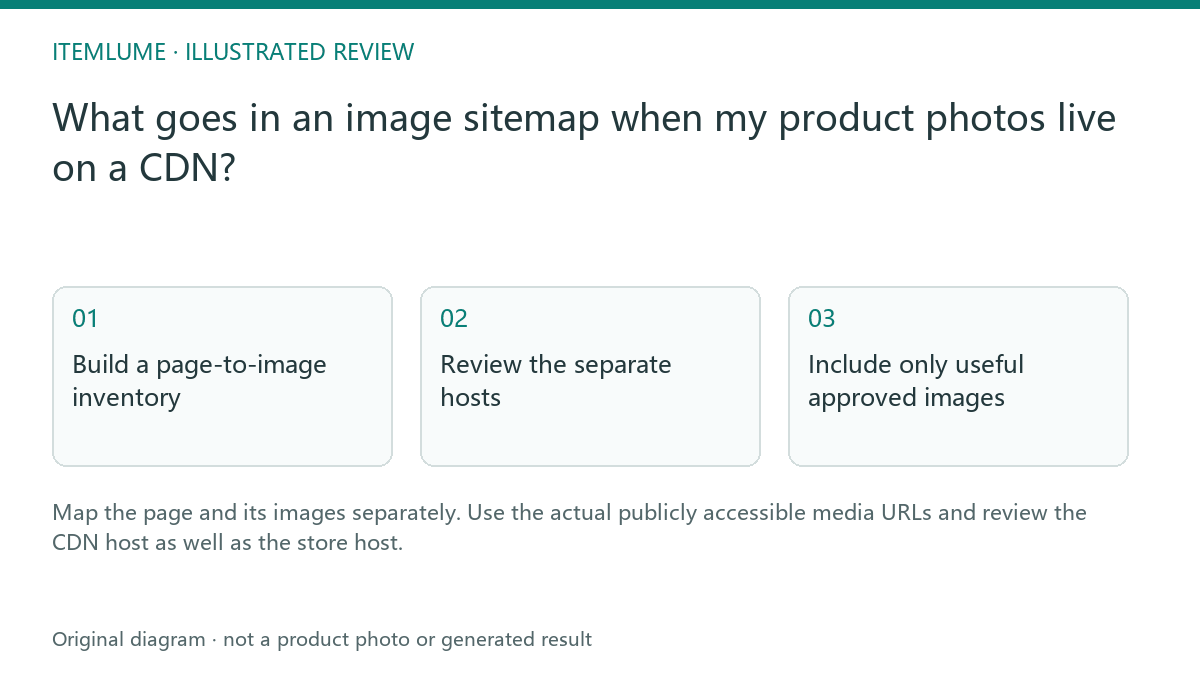
Build a page-to-image inventory
A fictional ceramics store serves pages from its own domain and photos from a CDN. The seller lists only product page URLs in a spreadsheet and assumes the sitemap already describes every image. Build a second column for the exact approved image URL used by each page. Include relevant actual images rather than private generation previews.
Google documents image sitemap extensions and cross-domain image hosting. The ledger here prepares that implementation; it is not a completed XML sitemap and does not submit anything to Search Console.
Review the separate hosts
| Record | Illustrative host | Check |
|---|---|---|
| Product page | store.example | Public intended canonical page |
| Approved image | media.example | Accessible final image |
| Search Console property | Relevant hosts | Follow current verification guidance |
| Host robots policy | Each applicable host | No unintended block on public media |
A successful image request in the owner’s logged-in browser does not establish anonymous crawler access. Ask the implementation team to check public delivery on the actual host. Do not weaken access controls on private material to fill a sitemap.
Include only useful approved images
For the mug, list the real primary and relevant secondary views associated with its public page. Exclude rejected drafts, unrelated campaign experiments and duplicates that do not help identify the product. If image URLs change after a media pipeline revision, regenerate the inventory from the actual published assets rather than the old handoff folder.
Do not add deprecated sitemap fields merely because an old template contains them. Use Google’s current required image tags and XML rules.
Validate and monitor the real sitemap
Have the developer validate the XML and inspect the published sitemap response. After submission, read Search Console’s actual processing status and dates. A successful sitemap is a discovery signal, not proof that every image is indexed. Keep the approved asset record so later changes can be reconciled without confusing a new creative with a broken delivery URL.
Sources and further reading
Sources for this page were checked on . Platform rules can change; verify the current source before publishing. Prompt examples and workflow recommendations are Itemlume editorial guidance, not independently measured results.
Frequently asked questions
Is this CSV already an image sitemap?
No. It is a planning inventory for the implementation.
Should private preview links be included?
No. Include approved publicly accessible images.
Does successful processing mean every image is indexed?
No. Monitor discovery and indexing separately.
BUILD FROM A PRODUCT YOU KNOW
Put this workflow into practice with your own product.
Explore the relevant tool first. AI copy and concept planning are free after sign-in. Image and video generation require available credits and the applicable account access.
Open Assets & tasks Check pricing and credits