 Itemlume
PRACTICAL ANSWER / Virtual try-on
How do I photograph asymmetric earrings without turning them into a matching pair?
Photograph asymmetric earrings as one designed set, not as two interchangeable products. Keep the star and crescent visibly paired, mark left and right positions, and label every single-earring enlargement with its selling scope. The goal is to make difference easy to inspect without suggesting that either piece can replace the other.
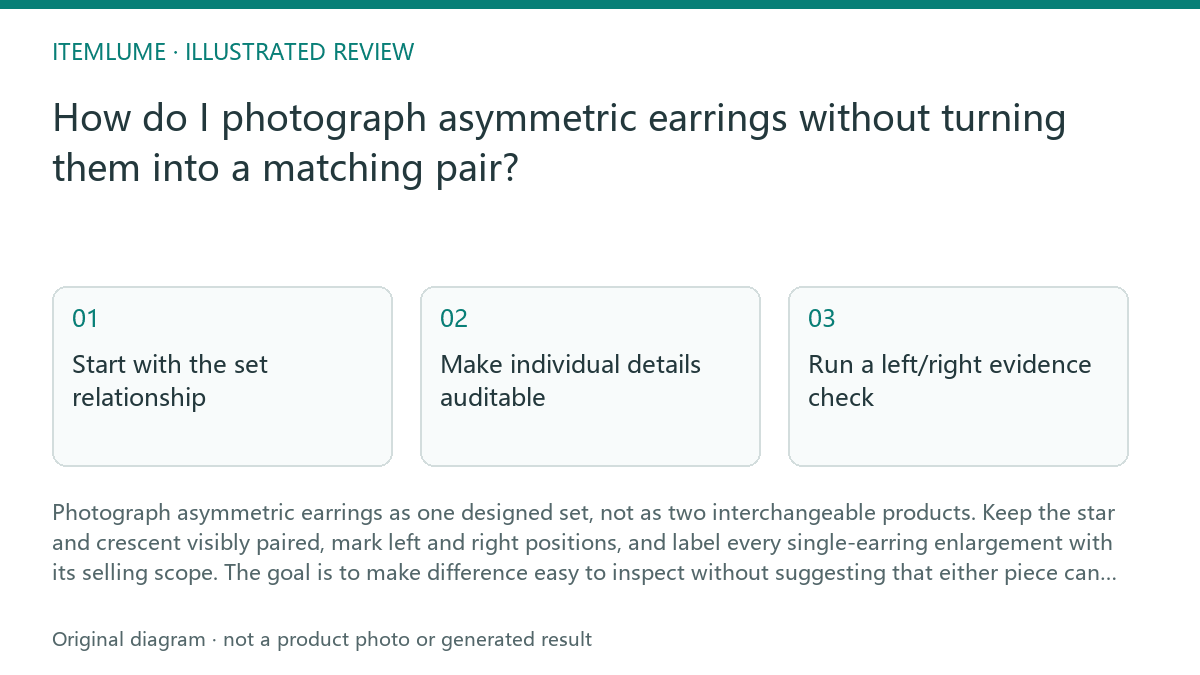
Start with the set relationship
Place both earrings in one primary image with enough separation to show their different silhouettes. Add small left/right markers beside the pieces or use a consistent orientation, such as the star on the wearer’s left and the crescent on the wearer’s right. Do not rotate one piece merely to make the composition look symmetrical.
Keep the pair’s shared details visible: metal tone, clasp type, finish, scale, and any matching stones or findings. The composition should communicate that the earrings belong together while preserving their deliberate mismatch. A balanced layout can use different spacing or height without making the pieces appear identical.
Make individual details auditable
Use separate close-ups when a charm, engraving, texture, or fastening needs inspection. Caption each enlargement with the side and item identity, such as “left earring: star charm” and “right earring: crescent charm.” If the image shows only one earring, state whether the item is sold as the complete pair, a single replacement, or display reference only.
Keep the single-earring crop consistent with the primary pair image. Match lighting direction, background, scale reference, and camera angle where practical. If an AI-assisted workflow is used, treat the generated image as a planning or presentation aid and compare it against the supplied product reference before approval; do not treat it as proof of fit, weight, comfort, or performance.
- Photograph both components together in one documented orientation and comparable scale.
- Compare each enlargement with that pair view to confirm the same star, crescent and clasp details.
- Use documented wear-side labels when available; otherwise label the components A and B without inventing a wear-side rule.
- Check modeled views for mirrored or duplicated pieces, then confirm the nearby copy states whether the offer is the pair or one component.
Run a left/right evidence check
Review the pair in the order a shopper will encounter it: primary set image, detail crops, then any worn view. Look for accidental mirroring, swapped labels, or a crop that hides the difference between the star and crescent. A worn image should reinforce position, not replace the product view.
Use this four-step check sequence: 1. Confirm the star and crescent appear in the correct left/right positions. 2. Compare charm shape, size, and attachment point with the supplied references. 3. Check that every close-up names the visible side and selling scope. 4. Remove or revise any image that makes the earrings look interchangeable. Stop when the set identity, side identity, and sales scope remain clear without relying on captions alone.
Review the selling implication
A single-earring enlargement is useful evidence, but it can also create a false product promise. If the store listing sells only the pair, do not let a close-up headline or crop imply that one earring is a complete order. Keep the pair quantity explicit near the main product statement and repeat it where a single-piece image could be mistaken for the offer.
For a fictional example, imagine a pair priced at $48 with one star and one crescent. The price and quantity are fictional; the image review should still ask whether a shopper can tell that $48 represents two earrings, not one selected side. The same review applies if the pair is presented on a model, in a tray, or in separate detail panels.
Asymmetric earring review
| Observation | Next check | Pass condition |
|---|---|---|
| Star charm appears larger than crescent | Compare both charms with the supplied reference images | Difference is intentional and not caused by crop scale |
| Left/right markers are absent | Add side labels or use a clearly consistent orientation | A shopper can identify each side without guessing |
| Single-earring close-up dominates the page | Check nearby quantity and selling-scope wording | The image does not imply a single-piece purchase |
| Worn view looks mirrored | Compare charm positions with the flat product image | Model view preserves the same left/right relationship |
| Clasp or attachment point is hidden | Add a controlled detail crop | Construction is visible without inventing unseen features |
Sources and further reading
Sources for this page were checked on . Platform rules can change; verify the current source before publishing. Prompt examples and workflow recommendations are Itemlume editorial guidance, not independently measured results.
Frequently asked questions
Should I make asymmetric earrings look visually balanced?
Yes, balance the layout through spacing, height, or background while keeping the star and crescent visibly different. Do not mirror or rotate them into identical silhouettes.
Should a single-earring close-up be included?
Yes, when it clarifies a charm or fastening. Label the side and state whether the product is sold as a pair or as a single piece.
Can an AI image prove the earrings fit or feel comfortable?
No. Use imagery to communicate appearance and arrangement, then rely on verified product information for dimensions, materials, and other performance-related claims.
BUILD FROM A PRODUCT YOU KNOW
Put this workflow into practice with your own product.
Explore the relevant tool first. AI copy and concept planning are free after sign-in. Image and video generation require available credits and the applicable account access.
Open Virtual try-on Check pricing and credits