 Itemlume
DIAGNOSTIC GUIDE / Product images
Can a Douyin Shop main image show only the retail box instead of the item?
Start by identifying what the buyer actually purchases and whether the box is part of it. A box-only picture can hide the item or imply an empty package. Check the current Douyin Shop category and placement rules in the merchant’s account before choosing the first image. We use the official indexed help as a verification lead, not a freshly verified universal rule.
Write the sale-object card
Record the sold item, quantity, included retail packaging and whether the outer shipping carton is excluded from the offer. If the product is itself an empty box, describe that plainly. The same photograph can communicate very different offers depending on those facts.
Use actual contents and supplier-approved records. A beautiful gift presentation does not establish that every pictured item is included. An opaque retail box may identify a brand while still failing to show what is inside, so give product visibility its own review.
Check the intended placement in the current account
Ask the merchant to record the actual category, first-image role and current rule reference. Indexed platform pages can become outdated or have exceptions, so this article does not declare that all boxes are always allowed or always forbidden as first images.
Prepare a real product view and a package view as distinct candidates. If the merchant’s current rules require a different subject or composition, change the intended placement rather than hiding unsupported content behind a disclaimer. Keep the box relationship clear in supporting gallery material.
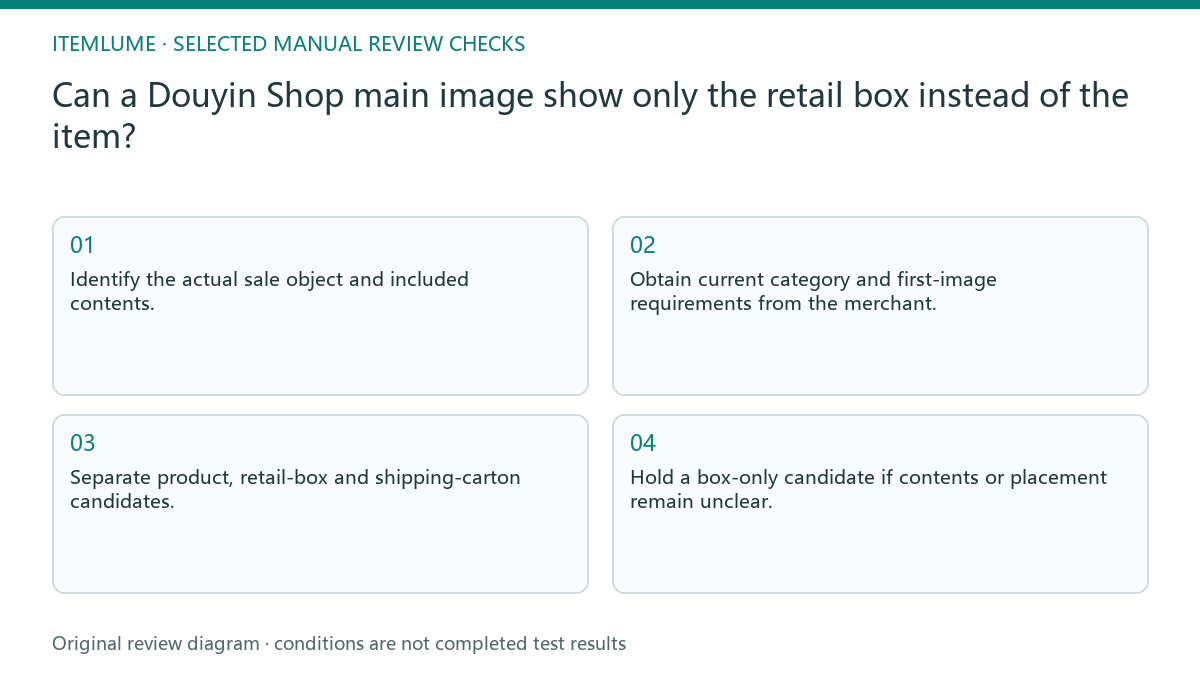
- Identify the actual sale object and included contents.
- Obtain current category and first-image requirements from the merchant.
- Separate product, retail-box and shipping-carton candidates.
- Ask an unbriefed reviewer what they believe is being sold.
- Hold a box-only candidate if contents or placement remain unclear.
Fictional exercise: a ceramic cup in a closed box
This fictional exercise uses a ceramic cup sold with a gift box. A closed-box candidate shows the brand but not the cup. An unbriefed reviewer cannot tell whether the offer is packaging or a cup. The observations are invented, not a measured platform rejection.
The team adds an actual cup candidate and asks the merchant to assign each view under current placement requirements. They do not manufacture a cutaway interior or guess hidden contents. The stopping condition is an accurate sale-object interpretation and a verified destination decision.
Approve the relationship and publication separately
Attach the sale-object card to the approved file. If a supplier later changes the box or removes an included accessory, recheck both picture and wording. A prior review of the cup alone does not approve a new gift-bundle arrangement.
Itemlume generation does not perform Douyin account review or publish the image. Store upload and placement are external manual actions. Stop when the file accurately represents the offer and the merchant has checked the applicable placement, with any unresolved interpretation kept out of publication.
Box-image sale-object review
| Observation | Manual check | Stop or approve |
|---|---|---|
| Empty box for sale | Confirm listing facts | State box-only offer |
| Cup with retail box | Check included contents | Product understandable |
| Shipping carton | Confirm delivery role | Avoid gift-box implication |
| First image uncertain | Check current account/category | Hold placement |
Use this matrix as a manual review record and add your own real evidence. Its conditions are not completed test results.
Sources and further reading
Sources for this page were checked on . Platform rules can change; verify the current source before publishing. Prompt examples and workflow recommendations are Itemlume editorial guidance, not independently measured results.
Frequently asked questions
Is a box always forbidden?
This article makes no universal rule; verify the current category and sale object.
Can AI show the inside?
Only use supported visible contents; an imagined interior is not product evidence.
Does a clear picture guarantee approval?
No. Offer accuracy and the merchant’s current publication requirements are separate checks.
BUILD FROM A PRODUCT YOU KNOW
Put this workflow into practice with your own product.
Explore the relevant tool first. AI copy and concept planning are free after sign-in. Image and video generation require available credits and the applicable account access.
Open Product images Check pricing and credits