 Itemlume
DIAGNOSTIC GUIDE / Virtual try-on
How do I keep a directional garment print upright when the model changes pose?
A directional print should follow the real garment panel, not the model’s screen position. Keep the approved artwork and a real worn or flat garment reference, then mark its top, bottom, and placement. Review the pose against that map. Do not rotate or mirror the whole image to fix one motif if doing so reverses text, construction, or other details.
Identify the artwork and the garment panel
Record whether the print is a single placed motif or a repeating pattern. Mark the artwork’s intended top and bottom and the panel to which it belongs. A face, arrow, or word has a reading direction that cannot be inferred simply from an attractive pose or a cropped source image.
Use a real product reference showing placement relative to seams, neckline, and hem. An artwork file by itself does not prove where the manufacturer put it. Likewise, a garment photo without a clear motif may not establish the exact graphic. Keep both kinds of evidence when the design depends on direction.
Review pose changes without changing the print
When the body twists or an arm lifts, the visible panel can tilt and fold. That is different from rotating the graphic within the fabric. Compare the motif’s orientation with nearby seams, not with the vertical edge of the screen. A folded part may be hidden rather than inverted.
Check lettering and asymmetrical details separately. Whole-image mirroring can make one motif seem correct while reversing another or swapping closures. If orientation cannot be verified in a complicated pose, choose a clearer pose instead of inventing the obscured print. Virtual model imagery is not proof of garment fit or manufacturing accuracy.
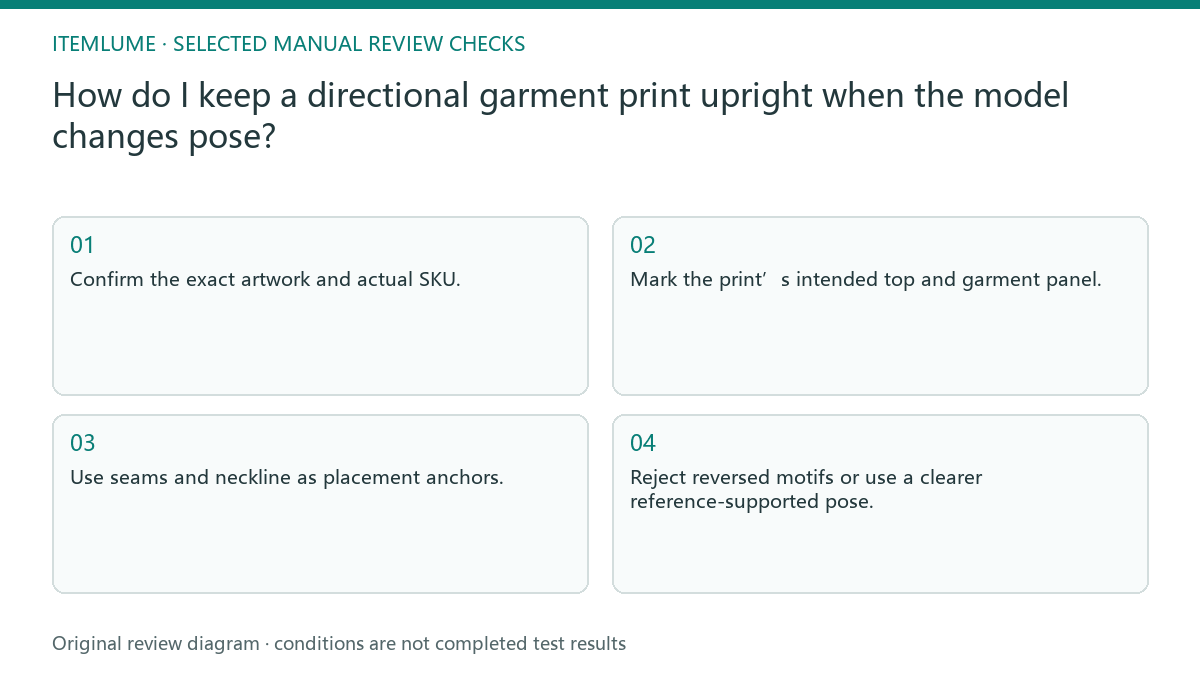
- Confirm the exact artwork and actual SKU.
- Mark the print’s intended top and garment panel.
- Use seams and neckline as placement anchors.
- Compare pose changes for folds versus graphic rotation.
- Reject reversed motifs or use a clearer reference-supported pose.
A fictional printed-shirt review
Fictional exercise: a shirt has an upright character graphic on the front. A generated model raises one shoulder, and the graphic appears rotated independently of the fabric. The reviewer compares the character’s top with the neckline and side seam instead of judging whether it stands upright on the page.
The next candidate keeps the real placement and uses a simpler pose. If text beside the graphic becomes mirrored, that candidate also fails. No model image was generated for this exercise. Stop when the source does not show the print clearly enough; the artwork cannot be reconstructed reliably from a tiny cropped preview.
Keep artwork approval and product approval linked
Retain the artwork revision, real garment reference, and chosen pose with the final image. A newer graphic file may not belong to the stock currently being sold. Compare the actual manufacturing version rather than automatically applying the most recent brand design to every listing.
Itemlume can help prepare model visuals from supplied references; it does not inspect garment production or automatically lock every printed graphic. When a critical direction or small text remains wrong, stop use of that image and arrange external correction or a real photograph. Strong styling cannot compensate for a product-defining motif shown incorrectly.
Print direction and pose map
| Element | Reference | Acceptance |
|---|---|---|
| Placed character motif | Artwork top and neckline | Direction stays tied to panel |
| Repeating directional pattern | Real panel and seam reference | No invented panel rotation |
| Small printed words | Exact artwork revision | No mirrored or changed lettering |
| Raised-arm fold | Real pose-supported reference | Hidden portion not invented |
Use this matrix as a manual review record and add your own real evidence. Its conditions are not completed test results.
Sources and further reading
Sources for this page were checked on . Platform rules can change; verify the current source before publishing. Prompt examples and workflow recommendations are Itemlume editorial guidance, not independently measured results.
Frequently asked questions
Must the print stay vertical on screen?
Not necessarily. It should follow the actual garment panel as the body and fabric move.
Can I mirror the whole image to fix it?
Only after checking all asymmetrical details and text. It can introduce other product errors.
Does the virtual pose prove real fit?
No. This is a graphic-placement review, not a garment fit or manufacturing test.
BUILD FROM A PRODUCT YOU KNOW
Put this workflow into practice with your own product.
Explore the relevant tool first. AI copy and concept planning are free after sign-in. Image and video generation require available credits and the applicable account access.
Open Virtual try-on Check pricing and credits