 Itemlume
Image remix / PRACTICAL ANSWER
What should my digital-download description say besides showing a mockup?
State exactly what is delivered and the actual permitted use. A polished mockup cannot answer those purchase questions.
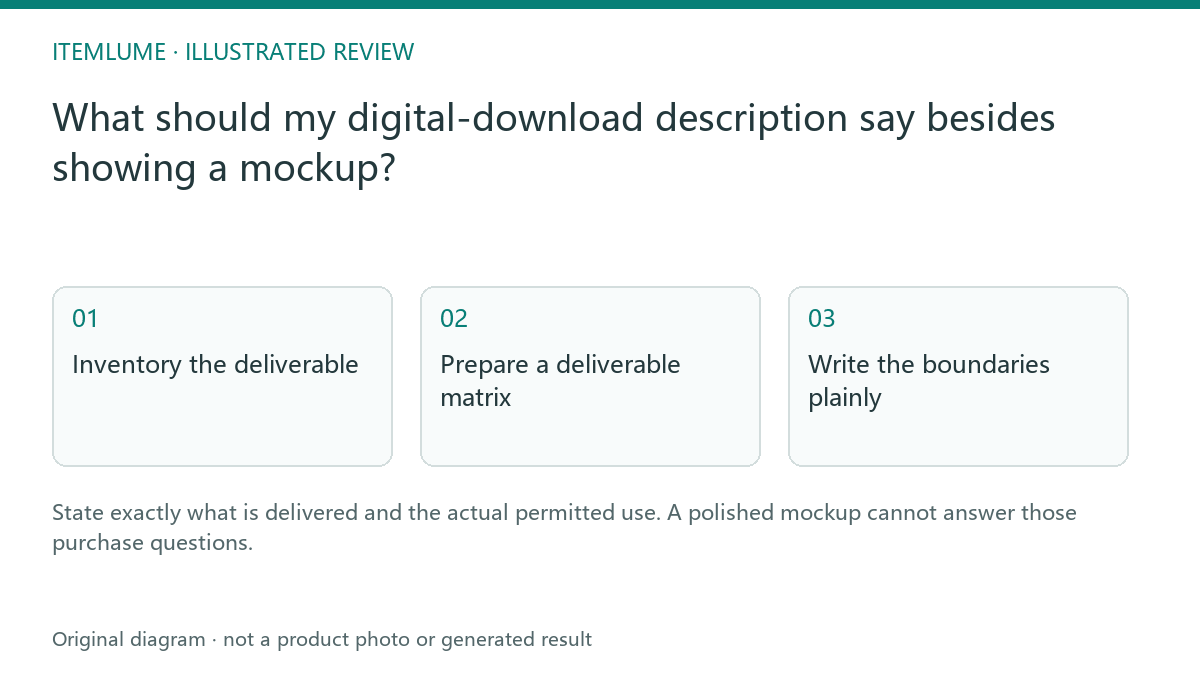
Inventory the deliverable
A fictional seller offers a printable planner. The marketing image shows a bound notebook, but the buyer receives two PDF files. Record the formats, page sizes, included variations and any known software requirement before drafting. State that no physical notebook is shipped. Do not let the model invent editable source files because the preview looks editable.
The license terms must come from the responsible seller’s actual policy. This article is a copy-preparation method, not legal advice or a license template.
Prepare a deliverable matrix
| Field | Fictional planner example | Review |
|---|---|---|
| Files | Two stated PDFs | Match actual download package |
| Use | Seller-defined permitted use | Use the actual policy |
| Editing | No editable source supplied | Do not promise customization |
| Physical delivery | None | Distinguish mockup from merchandise |
A download link working for the seller does not establish that the purchase flow delivers the same files to the buyer. Test the authorized store process with suitable test material.
Write the boundaries plainly
Put the delivered file types and physical-item boundary near the main description. Link to the actual license policy rather than replacing it with vague “commercial use included” language. If different options have different rights, describe each supported option without merging them into one broad promise.
Have the responsible policy owner review any uncertain license statement. Do not infer ownership or permitted resale from an AI-generated image.
Check the final package and copy together
Compare the listed files with the actual package, filenames and previews. Open the documents in the intended supported context and note any unresolved requirement. Itemlume can assist the description and concept imagery; it does not create your sales license or guarantee delivery through an external download app. Keep the approved package version associated with the listing.
Sources and further reading
Sources for this page were checked on . Platform rules can change; verify the current source before publishing. Prompt examples and workflow recommendations are Itemlume editorial guidance, not independently measured results.
Frequently asked questions
Does a notebook mockup imply a physical notebook?
State the actual digital-only delivery explicitly.
Can AI decide the license scope?
Use the seller’s real policy and responsible review.
Should file formats be listed?
List the formats actually delivered.
BUILD FROM A PRODUCT YOU KNOW
Put this workflow into practice with your own product.
Explore the relevant tool first. AI copy and concept planning are free after sign-in. Image and video generation require available credits and the applicable account access.
Open Image remix Check pricing and credits