 Itemlume
Product images / PRACTICAL ANSWER
Should my reference photo include arrows, measurements and review notes?
Retain a clean source and put explanatory notes in the brief or a clearly labeled separate review document.
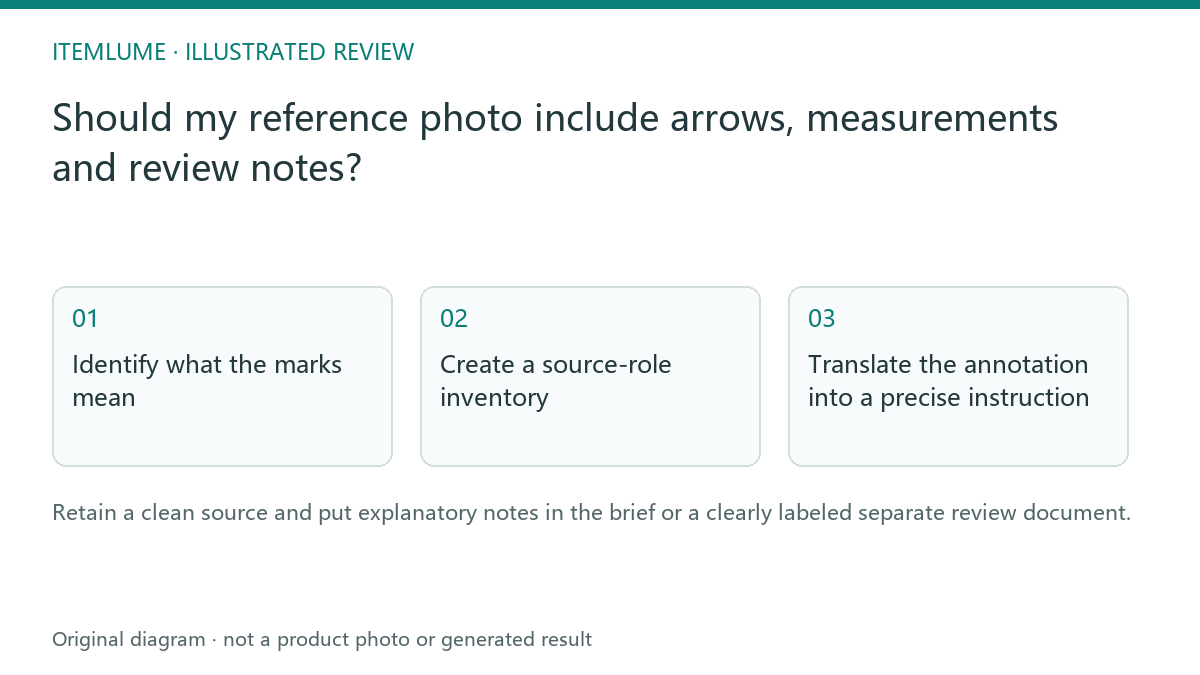
Identify what the marks mean
A fictional bottle seller draws a red circle around a faulty cap and writes “keep this shape” on a screenshot. If that screenshot becomes the only product image, a generator may interpret the circle or lettering as part of the scene. The annotation helps a human reviewer but can contaminate the visual source.
Use the untouched approved image as the merchandise reference. Keep the marked comparison separately with a clear review role. Do not remove a real printed label under the assumption that every visible word is an annotation.
Create a source-role inventory
| Asset | Role | Submission decision |
|---|---|---|
| Clean product photo | Merchandise evidence | Use as the approved product source |
| Arrowed screenshot | Human explanation | Keep separate and clearly described |
| Measured drawing | Dimension evidence | State its role and verified origin |
| Rejected result | Defect comparison | Do not mislabel as approved merchandise |
This inventory prevents explanatory material from masquerading as the sold product. It does not guarantee that every tool accepts multiple reference roles; follow the actual supported interface.
Translate the annotation into a precise instruction
For the cap, write that its outline, rib count where visible and relationship to the neck must match the approved source. Describe the defect without embedding a colored repair circle in the scene. A measurement note should come from a verified record, not a ruler drawn over an uncalibrated photograph.
If the useful reference is only a screenshot, obtain the original where possible. Retain the screenshot for review history, then prepare a clean authorized source for the creative task.
Check for annotation leakage
Inspect generated images for arrows, circles, labels and repeated notes before approving them. In a storyboard, also check every isolated panel. If review markings appear, diagnose the source-role ambiguity and correct the input. Itemlume’s ordinary image generation is not a dedicated annotation-aware technical drawing parser or a guarantee that notes will remain invisible.
Sources and further reading
Sources for this page were checked on . Platform rules can change; verify the current source before publishing. Prompt examples and workflow recommendations are Itemlume editorial guidance, not independently measured results.
Frequently asked questions
Can review circles appear in the output?
They can be interpreted as visible image content.
Should I remove genuine product label text?
No. Distinguish real printing from review annotations.
Do drawn rulers prove dimensions?
Use a verified measurement source.
BUILD FROM A PRODUCT YOU KNOW
Put this workflow into practice with your own product.
Explore the relevant tool first. AI copy and concept planning are free after sign-in. Image and video generation require available credits and the applicable account access.
Open Product images Check pricing and credits