 Itemlume
DIAGNOSTIC GUIDE / A+ product pages
How do I show randomly supplied designs without implying buyers can choose one?
Explain random fulfillment as a selection rule, not just a gallery of possible designs. Buyers should know the order quantity, whether they can choose a pictured option and what the pictures illustrate. Do not invent availability probabilities or guarantee every design shown is currently in stock. Check whether the buyer can choose a motif or only receive a possible design.
A visible assortment is not necessarily a selectable set
A composition containing several designs can look like a multi-item set. Meanwhile, naming every design beside a purchase control can imply choice even when fulfillment is random. Picture count, sold quantity and option availability therefore need independent checks. A small footnote may not repair a misleading main promise.
List which attributes are fixed: quantity, product type and any confirmed design choices. Then identify what is random and its actual scope. A photograph showing all possible motifs may be mistaken for the contents of one order unless the selection mechanism is clear.
Define fixed contents and random choices explicitly
Record the genuine order unit and the seller’s actual selection policy. Mark possible designs as examples, place the random-choice condition beside the main product explanation, and compare image wording with the real options. Have a reviewer describe what one order delivers without showing them your brief.
Compare the purchase selector with the image and title. If a buyer chooses only size but not motif, the creative must not imply individual motif selection. Ask the supplier to confirm whether duplicates or substitutions can occur before making either a positive or negative promise.
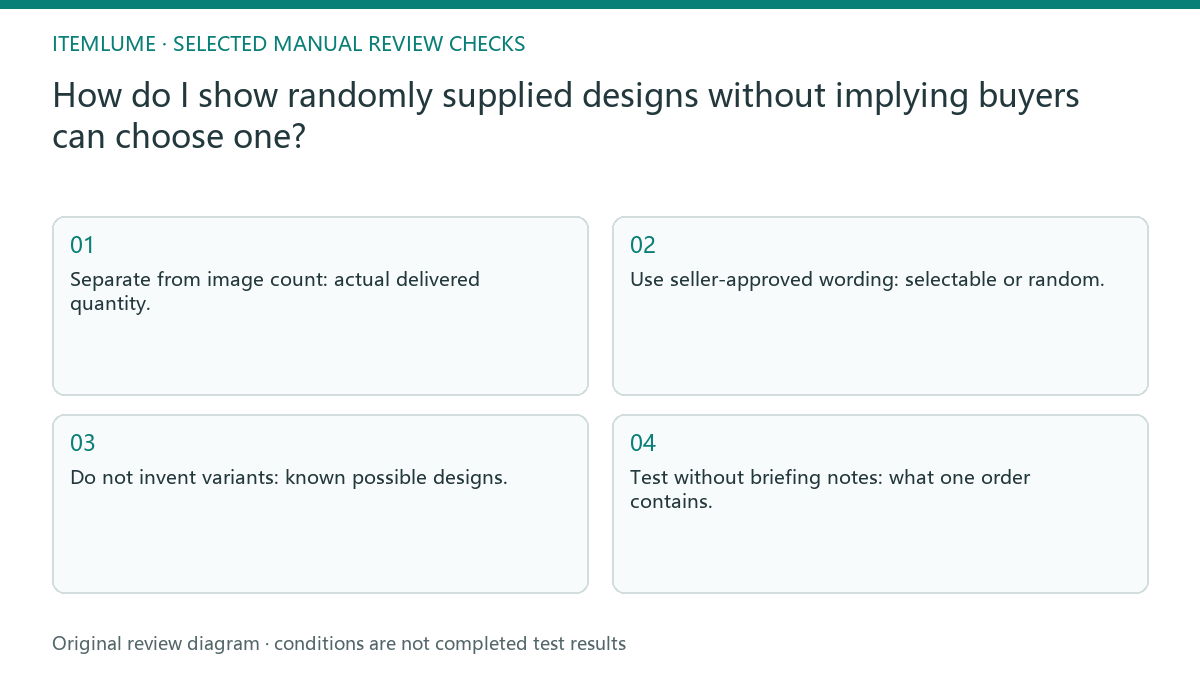
- Separate from image count: actual delivered quantity.
- Use seller-approved wording: selectable or random.
- Do not invent variants: known possible designs.
- Test without briefing notes: what one order contains.
A stationery pack shows several possible designs
Fictional exercise: a keyring order supplies one randomly selected design from a stated assortment. Six keyrings appear in a sample-board image. The copy says one item per order and that the image shows possible designs, not six delivered pieces. No odds, rarity or current stock promise is created.
In the fictional stationery pack, one order has a fixed piece count but a design selected from the confirmed assortment. Label displayed motifs as possibilities and show only the promised quantity as the order contents. The example does not supply real odds or stock availability. If motifs shown in the artwork are no longer in the supported assortment, replace that display or explain the verified scope. Do not keep a discontinued design as a possible outcome without supplier confirmation. Also check that prop quantities do not exceed the promised order contents.
Do not hide the uncertainty in a small caption
Stop when the actual choice rule or set of possible designs is unknown. Do not let a generator complete the assortment or choose an undocumented selection promise.
With an unknown assortment policy, stop final creative approval and obtain the actual selection terms. Itemlume cannot predict the random shipment or synchronize stock. The seller manages inventory and fulfillment. Itemlume can help show confirmed options, but a generated sample board is not a stock record or a random-allocation system.
Order unit to buyer reading: decision worksheet
| Check | Evidence to record | Review action |
|---|---|---|
| Order unit | Actual delivered quantity | Separate from image count |
| Choice rule | Selectable or random | Use seller-approved wording |
| Examples | Known possible designs | Do not invent variants |
| Buyer reading | What one order contains | Test without briefing notes |
Use this matrix as a manual review record and add your own real evidence. Its conditions are not completed test results.
Sources and further reading
Sources for this page were checked on . Platform rules can change; verify the current source before publishing. Prompt examples and workflow recommendations are Itemlume editorial guidance, not independently measured results.
Frequently asked questions
Does showing every design mean one order includes all?
No. State the fixed order quantity and whether designs are choices or possibilities.
May I promise no duplicates without a supplier record?
No. Confirm the actual assortment policy first.
What should a shopper understand after reading?
How many pieces they receive, what they can choose and what remains random.
BUILD FROM A PRODUCT YOU KNOW
Put this workflow into practice with your own product.
Explore the relevant tool first. AI copy and concept planning are free after sign-in. Image and video generation require available credits and the applicable account access.
Open A+ product pages Check pricing and credits