 Itemlume
PRACTICAL ANSWER / Product images
Can AI put my art print in a room without changing the artwork?
Yes, but only when the artwork is treated as a fixed image layer, not as a prompt for redrawing. Let AI change the room, sofa, lighting, and decor; keep the print itself locked, then verify every letter, edge, and proportion before approval.
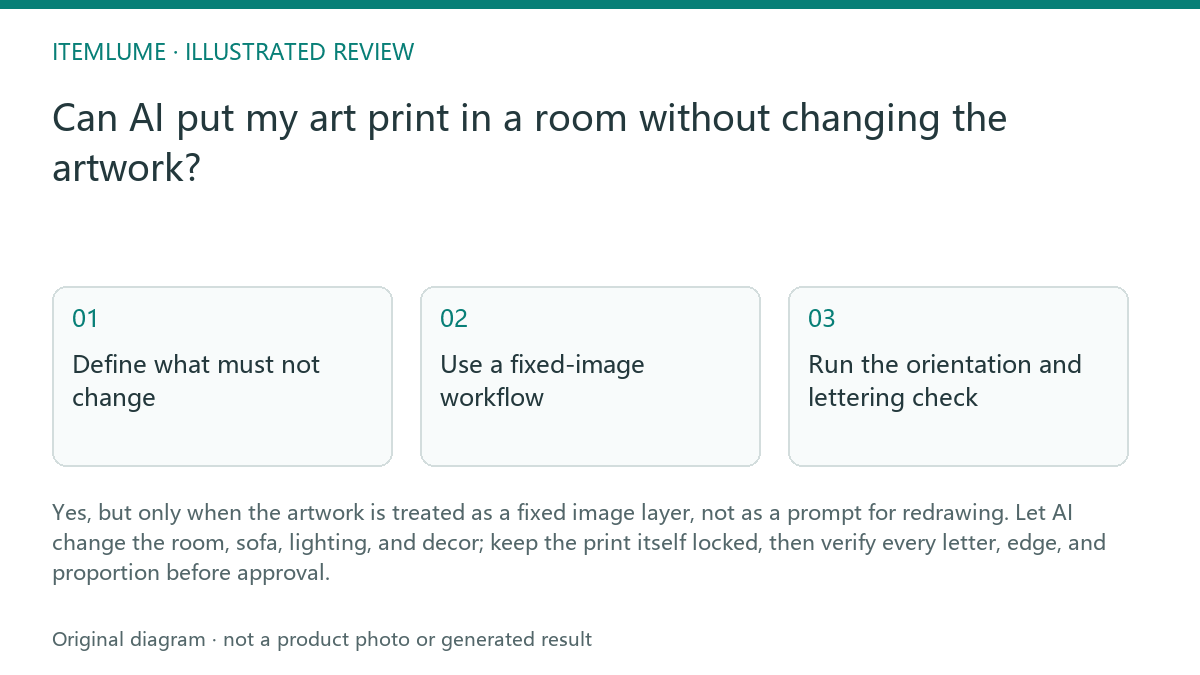
Define what must not change
Start with the supplied art-print file as the authority for the artwork. Record the exact canvas ratio, border width, orientation, letterforms, line breaks, and visible brush or print texture. These are not room styling choices. They are identity evidence that the final image must preserve.
Allow the surrounding room to vary only where the brief permits it: wall color, sofa fabric, cushions, plants, lamps, and camera distance. The print may be resized to fit the wall, but its internal proportions should remain consistent. A wider frame or a different mat may be a presentation change; a rewritten word or altered stroke is an artwork change.
Use a fixed-image workflow
The safest workflow is to place the original print into the room as a post-production overlay or composited image. Generate or edit the room separately, then map the unchanged print onto the wall plane. This replaces the model's guess about typography with a controlled placement step.
Keep a clean reference export beside the room version. Compare the two at the same crop and inspect the full print, not only the center. The frame can introduce perspective, glare, or a shadow, but those effects must not obscure or reshape the letterforms. If the artwork is meant to be sold, the room image should support the product rather than become a substitute for the source file.
Run the orientation and lettering check
Use a short review sequence before approving the scene. It is especially important for typographic prints because one plausible-looking replacement letter can change the product while leaving the room visually convincing.
For a fictional exercise, imagine a print reading “NORTH WINDOW” above a sofa. The generated room looks balanced, but the final image changes the second “O” into a rounded “C.” The scene passes as decoration and fails as a product image. Reject it, restore the fixed artwork layer, and repeat the placement without asking the model to recreate the design.
- Compare the full print with the original reference at equal scale.
- Read every word left to right and check line breaks.
- Check the outer border, mat, and frame ratio against the source.
- Inspect corners and perspective for stretching, cropping, or mirrored placement.
- Approve only when the room changed but the artwork did not.
Separate visual proof from product claims
A room mockup can show how the print may look above a sofa, but it cannot prove the buyer's wall size, frame construction, paper finish, or color under every display condition. Keep those facts in the product information and use the room scene as contextual presentation.
Before publishing, retain the original art file, the composited room image, and the review notes that identify the approved version. If a scene requires visible glare, dramatic shadows, or a partially blocked view, create a second image rather than weakening the main proof image. The goal is a believable room with an auditable artwork layer.
Typographic art-print review
| Observation | Next check | Pass condition |
|---|---|---|
| One letter looks slightly different | Compare each character with the source export | Every letterform and word matches |
| The print looks wider above the sofa | Measure the visible artwork and frame proportions | Only room scale changes; internal ratio stays fixed |
| The border disappears near the frame edge | Inspect the four corners at full resolution | Border remains continuous unless the source is cropped |
| The room lighting creates glare | Check whether glare hides text or strokes | Lighting adds context without blocking artwork evidence |
| The print appears reversed | Use a readable word and asymmetrical border as anchors | Text reads normally and orientation matches the source |
Sources and further reading
Sources for this page were checked on . Platform rules can change; verify the current source before publishing. Prompt examples and workflow recommendations are Itemlume editorial guidance, not independently measured results.
Frequently asked questions
Can AI redraw the print if the room is accurate?
No. A convincing room does not compensate for changed lettering, brushwork, borders, or proportions. Use the original artwork as a fixed layer.
Can the frame or mat change?
Yes, if the change is clearly presentation context and does not alter the artwork's internal ratio or hide important content.
Is a room mockup enough to prove the product?
No. It shows placement and atmosphere. Keep separate evidence for the actual file, dimensions, materials, and any frame or paper details.
BUILD FROM A PRODUCT YOU KNOW
Put this workflow into practice with your own product.
Explore the relevant tool first. AI copy and concept planning are free after sign-in. Image and video generation require available credits and the applicable account access.
Open Product images Check pricing and credits